What's inside
As an Amazon Associate I earn from qualifying purchases. This post may contain affiliate links at no extra cost to you.
Our Top Picks
Outside Micrometer vs Digital Caliper for Blade Thickness
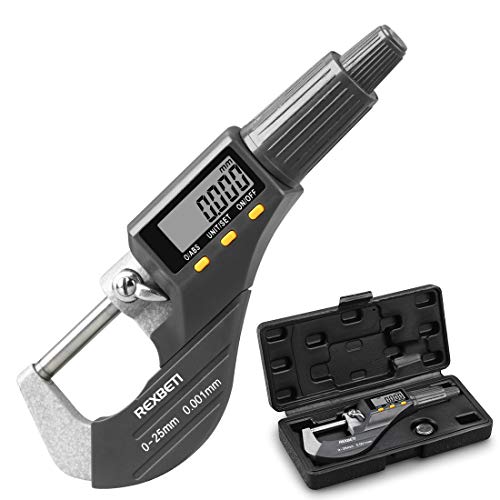
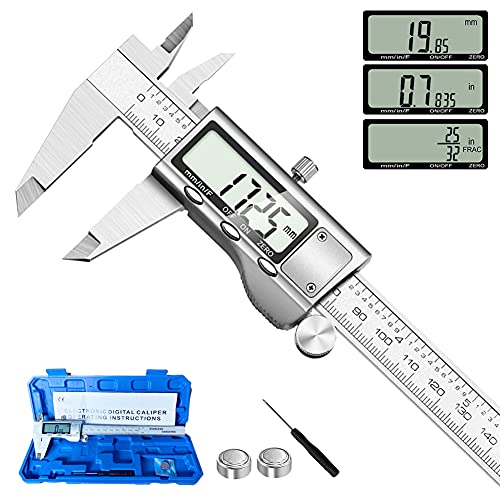
For checking blade thickness, an outside micrometer is usually the better measuring tool. Its spindle and anvil apply controlled, repeatable contact, making it easier to measure thin steel without squeezing the blade or rocking the tool. A digital caliper is faster and more versatile, and it is perfectly adequate for many workshop jobs, but its reading is easier to distort.
The right choice depends on whether you are checking a blade against a close specification or simply sorting blades into general thickness ranges. A knife maker verifying 0.060-inch stock, for example, benefits from a micrometer. Someone checking whether a replacement saw blade is roughly 0.035 or 0.050 inch thick may be better served by a caliper.
As an Amazon Associate we earn from qualifying purchases at no extra cost to you.



At a Glance
| Factor | Outside micrometer | Digital caliper |
|---|---|---|
| Typical resolution | 0.001 inch or 0.01 mm; finer models are available | 0.0005 inch or 0.01 mm on many models |
| Practical accuracy | Usually better for controlled thickness measurements | Good, but more dependent on technique |
| Measurement pressure | Controlled by a ratchet or friction thimble | Controlled by the user |
| Speed | Slower, especially when checking many blades | Fast and convenient |
| Versatility | Primarily outside thickness and diameter | Outside, inside, depth, and step measurements |
| Best use | Close-tolerance blade stock and finished edges | General inspection and quick comparisons |
Why the Micrometer Usually Wins
An outside micrometer measures between two broad, parallel faces. Once the blade is positioned, the ratchet lets you close the spindle with nearly consistent force. That matters because thin sheet steel can show different readings when clamped lightly versus tightly. Excess force can also flex a narrow blade, compress a coating, or make the tool ride over a burr.
A good micrometer can resolve 0.001 inch, or about 0.025 mm, with considerably better repeatability than a basic caliper. If you measure the same clean section several times, the readings should stay close. This makes a micrometer useful for confirming stock thickness before grinding, checking whether a blade has been ground evenly, or comparing a damaged blade with a new one.
For this job, a 0-to-1-inch model normally covers common knife, plane, scraper, and saw-blade thicknesses. A model with carbide or hardened measuring faces is preferable if you will occasionally touch hardened steel, but the faces still need to be kept clean. Search for an 0- to 1-inch outside micrometer with a ratchet rather than choosing solely by the number of decimal places printed on the package.
When a Digital Caliper Is the Better Buy
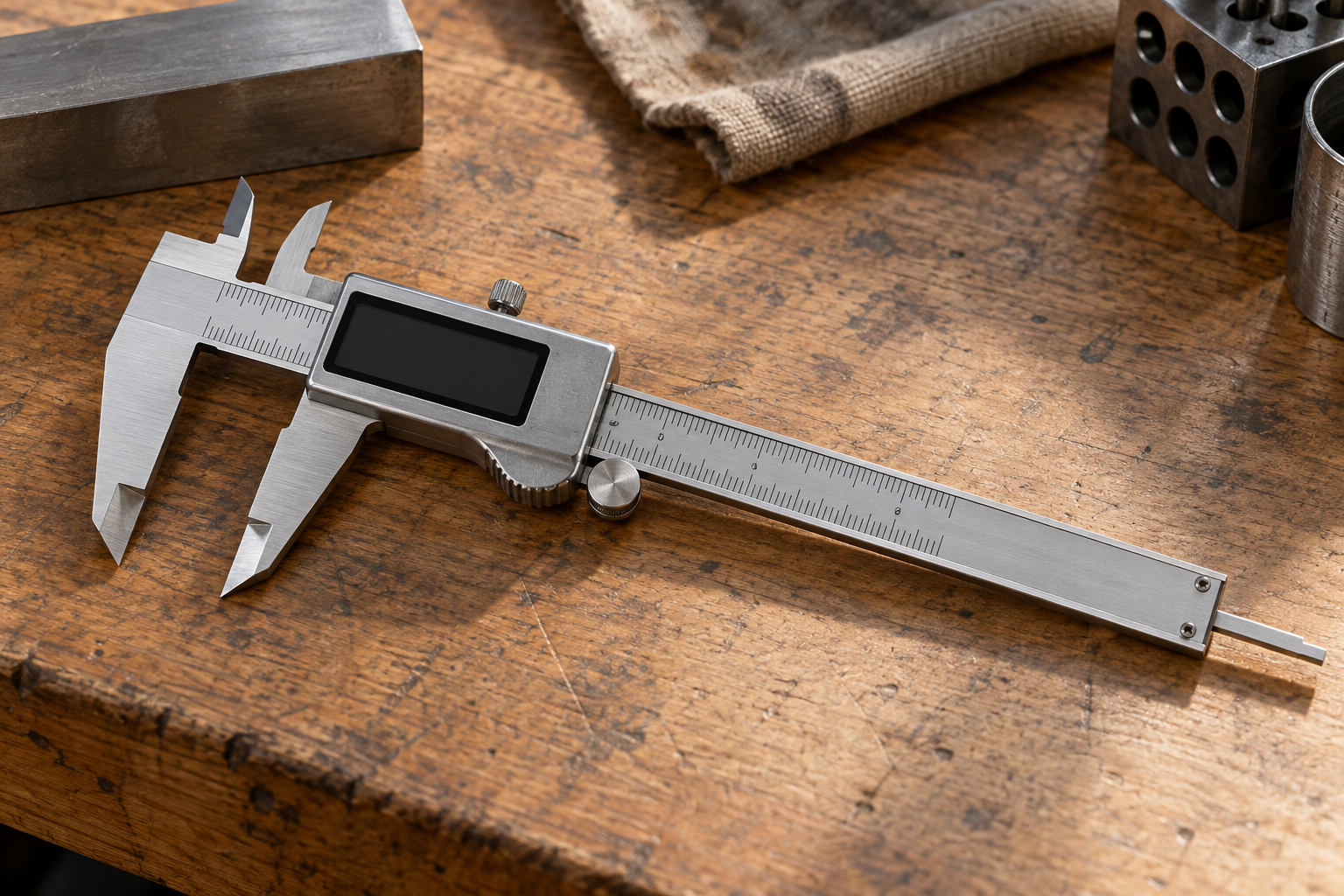
A caliper is the more useful general-purpose tool. Its outside jaws measure blade thickness, while the inside jaws, depth rod, and step feature handle other workshop tasks. If you are buying one measuring tool for a garage or knife-making bench, a quality digital caliper often provides more value than a micrometer.
It is also faster. Open the jaws, place them over the blade, close them gently, and read the display. That speed matters when checking a stack of replacement blades or measuring several locations on a long edge. A caliper is usually fine when the acceptable difference is around 0.002 to 0.005 inch, or when you only need to identify nominal stock thickness.
Look for a 6-inch stainless-steel digital caliper with a locking screw and a smooth jaw slide. Avoid treating a low-cost display’s 0.0005-inch resolution as proof of that level of accuracy. Resolution is what the screen shows; accuracy and repeatability are what the tool can actually deliver.
Common Caliper Errors on Blades
The largest problem is measuring pressure. Many users instinctively squeeze until the jaws stop moving. On a thin blade, that can flex the part or force the jaws against a raised edge. Close the jaws only until they touch, using light finger pressure. A locking screw helps you hold the position while you check the display.
Jaw alignment is another issue. The jaws must sit squarely across the blade. If one jaw contacts first, the caliper can tilt and give a reading that is too large or inconsistent. Narrow blades and tapered edges are particularly easy to misread. Take measurements on the flat portion behind the cutting bevel, not directly on the sharpened edge.
Debris also matters. Grinding dust, oil, rust scale, and a microscopic burr can add several thousandths of an inch. Wipe the blade and measuring faces before checking. If the blade has a coating, decide what you are trying to measure: the finished coated thickness or the steel underneath. Do not scrape off a coating merely to get a preferred number.
How to Check Blade Thickness Correctly
First, identify a flat, representative area. Avoid the tip, plunge line, serrations, holes, and visibly damaged sections. For a ground blade, measure at least three locations along the length and, where practical, near both sides of the centerline. A single reading can hide taper or uneven grinding.
With a micrometer, close the spindle using the ratchet until it clicks or slips lightly. Do not force the thimble. With a caliper, close the jaws gently and keep them square. Record the readings rather than relying on memory. Differences of 0.001 inch can be meaningful on thin blade stock; differences of 0.005 inch may be normal if you are measuring near a bevel or a transition.
Before measuring, close a digital caliper and verify that it reads zero. If it does not, clean the jaws and reset it. A micrometer should be checked against its zero position and, for serious work, against a known standard. Temperature can affect precision tools, so let the blade and tool reach the same room temperature before making close-tolerance measurements.
Which One Should You Buy?
Choose an outside micrometer if blade thickness is the main measurement you perform, the specification is tight, or repeatability matters more than speed. It is the safer choice for verifying precision-ground stock and documenting measurements within roughly 0.001 inch.
Choose a digital caliper if you also measure hardware, recesses, inside diameters, and depths, or if the blade specification is not especially tight. The cheaper option is fine for routine inspection when you use light pressure, clean the contact points, and take several readings. If you already own a decent caliper, buying a micrometer only makes sense when inconsistent readings or close tolerances are costing you time and material.