What's inside
As an Amazon Associate I earn from qualifying purchases. This post may contain affiliate links at no extra cost to you.
Our Top Picks


The short answer
For checking the thickness of steel stock to ordinary shop tolerances, a digital caliper is usually the better first buy. It measures more kinds of features, is faster to use, and is typically accurate enough for cutting, fitting, and sorting material. A micrometer is the better choice when thickness needs to be checked more precisely or repeatedly, such as when verifying close-tolerance parts or comparing small changes in stock.
The distinction is not that one tool is universally accurate and the other is not. A caliper’s broad jaws are easier to use on varied shapes, but their contact pressure and alignment are less controlled. A micrometer’s frame and screw provide more consistent contact, but its smaller measuring range and slower operation make it less versatile.
As an Amazon Associate we earn from qualifying purchases at no extra cost to you.


At a glance
| Consideration | Digital caliper | Outside micrometer |
|---|---|---|
| Typical range | 0–6 in. is common | Often 0–1 in.; larger ranges cost more |
| Typical display resolution | 0.0005 in. or 0.01 mm | Often 0.0001 in. or 0.001 mm |
| Best use | General measuring and quick checks | Repeatable checks of thickness or diameter |
| Versatility | Outside, inside, depth, and step measurements | Outside measurements within its range |
| Main handling risk | Jaw tilt or squeezing the work | Over-tightening or reading a tool outside its range |
Resolution is the smallest change shown on the display or scale; it is not a guarantee of accuracy. A caliper displaying 0.0005 in. does not necessarily measure to within 0.0005 in. in real shop conditions.
What the numbers mean in practice
A typical digital caliper has a resolution of 0.0005 in. (about 0.01 mm). Depending on its quality, condition, and calibration, its stated accuracy may be around ±0.001 in. (±0.025 mm), though specifications vary. A common 0–1 in. micrometer may read in 0.0001 in. increments and have a stated accuracy around ±0.0001 in. These figures are examples, not guarantees; check the manufacturer’s specification for the tool you buy.
Those differences matter when a part must fit a close tolerance. If a drawing allows thickness to vary by ±0.005 in., a good caliper is generally adequate for checking the part. If the allowed variation is ±0.001 in., a basic caliper may not give enough confidence, and a micrometer with a suitable accuracy specification is the safer choice. Measuring technique, temperature, burrs, and dirt can still overwhelm the difference.
Do not mistake display resolution for measurement capability. A cheap tool can show extra digits without measuring accurately or repeating well. For critical work, verify the instrument against a suitable standard and follow its calibration procedure.
When a digital caliper is the better buy
A caliper earns its place on a general bench because one tool can measure more than plate thickness. Its outside jaws check thickness and diameter; its inside jaws measure openings; the depth rod checks holes and recesses. That flexibility is useful when you are inspecting cut steel, measuring a bolt, or checking a slot in the same job.
For steel stock, take measurements at several points, especially near corners and along a rough-cut edge. Close the jaws gently until they touch, keep them square to the faces, and avoid pressing hard. A caliper jaw can tilt across a narrow edge, while excessive pressure can shift the reading or flex the tool. Scale, paint, oil, and burrs can also produce a false high reading.
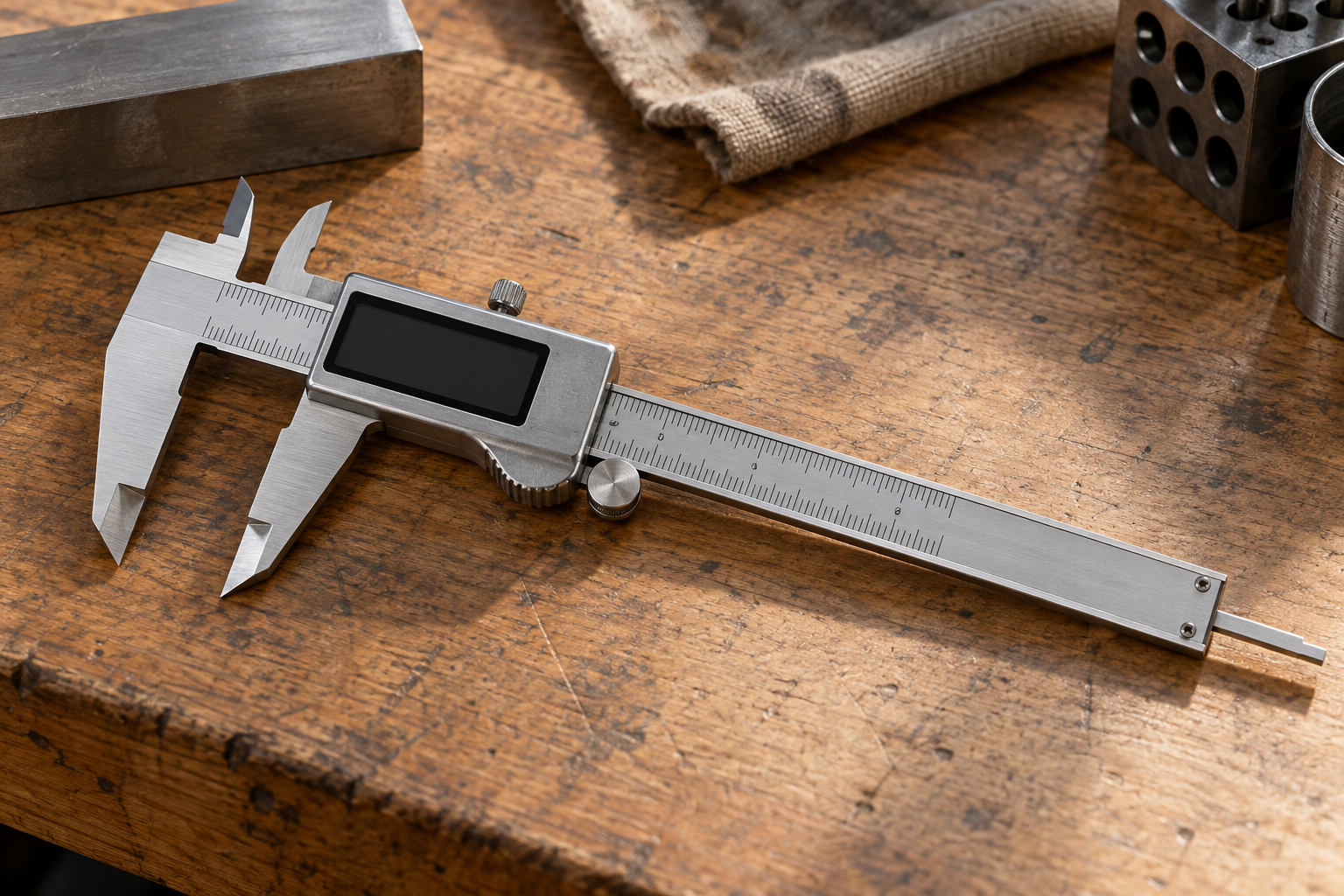
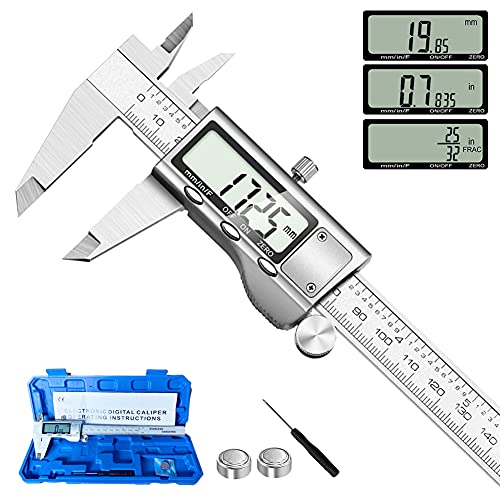
A digital model is especially convenient if you switch between inches and millimeters. If you mostly need quick checks rather than tight tolerance control, a 6-inch stainless-steel digital caliper is a practical starting category. Choose one with a clear display and a stated accuracy specification rather than shopping by the number of digits alone.
When a micrometer is worth it
An outside micrometer is designed to measure thickness or outside diameter between its anvil and spindle. Its frame holds those measuring faces in a fixed relationship, and the ratchet or friction thimble helps apply consistent force. That controlled contact makes it easier to get repeatable readings than squeezing a caliper by hand, particularly on flat, smooth stock.
Its limitation is range. A 0–1 in. micrometer cannot measure a 1.25 in. plate; you need a larger-range instrument, and those ranges usually cost more. A micrometer also does not replace a caliper for measuring internal dimensions or depth. For checking plate, sheet, or machined stock repeatedly against a close tolerance, consider an 0–1 inch outside micrometer with a ratchet, making sure its range covers the actual material.
To use it, clean the anvil and spindle faces, place the stock squarely between them, and turn the ratchet until it clicks or slips as directed by the maker. Do not tighten the thimble by force. Check more than one location: steel can vary across a sheet, and a single reading will not reveal taper, bow, or local damage.
Steel stock can fool either tool
Nominal thickness is not necessarily actual thickness. Hot-rolled steel can have mill scale and a rough surface; cold-rolled stock is often smoother but still has tolerances. A coating, paint, rust, or a burr changes the measured dimension without changing the underlying steel thickness. If the job depends on bare-metal thickness, measure a clean, flat area or remove the coating where appropriate.
Temperature matters most when you are chasing fine tolerances. A tool warmed in your hand or stock recently cut by a grinder may not be at the same temperature as a shop standard. For ordinary fabrication this is rarely the main problem, but for close measurement let the parts and instrument stabilize and avoid holding the micrometer frame for long periods.
Make the choice by tolerance and workload
Buy a digital caliper first if you need one general-purpose measuring tool and your work tolerances are not especially tight. It is the more useful option for mixed measurements, quick material checks, and basic fabrication. A low-cost caliper is fine for rough sorting and layout, provided you do not treat its last displayed digit as a certified result.
Choose a micrometer when thickness is the measurement you make repeatedly and a few thousandths—or less—can determine whether a part fits. If you already own a caliper, adding a micrometer makes more sense than replacing a useful general tool. For critical inspection, use a tool whose stated accuracy fits the tolerance, keep its faces clean, and check it against a standard; neither tool can compensate for a poor measuring method.