What's inside
As an Amazon Associate I earn from qualifying purchases. This post may contain affiliate links at no extra cost to you.
Why zero error matters
A digital caliper can show a crisp, precise-looking number and still be wrong. If its jaws are not actually closed when the display reads zero, every measurement can carry that offset. A caliper with a 0.03 mm positive zero error, for example, may read a 10.00 mm part as 10.03 mm. That difference is small for rough layout, but significant when checking a close fit or comparing stock to a drawing.
Check zero before measuring a batch, after changing units or resetting the display, and whenever the tool has been dropped, bumped, or stored with its jaws under pressure. It takes less than a minute and does not require a calibration block.
Prepare the caliper
Wipe the inside measuring faces of the external jaws with a clean, lint-free cloth. A chip, dried coolant, oil film, or burr between the faces can create a false gap. Also check that the faces are not visibly nicked. Do not try to correct a burr by pressing the jaws harder; excessive force can damage the measuring edges or the beam.
Turn the caliper on and check the battery indicator. Select the unit you intend to use—millimeters or inches—and make sure the display is stable. If the caliper has a zero button, do not press it yet. First see what the instrument reads with its jaws properly closed.
Check the closed jaws
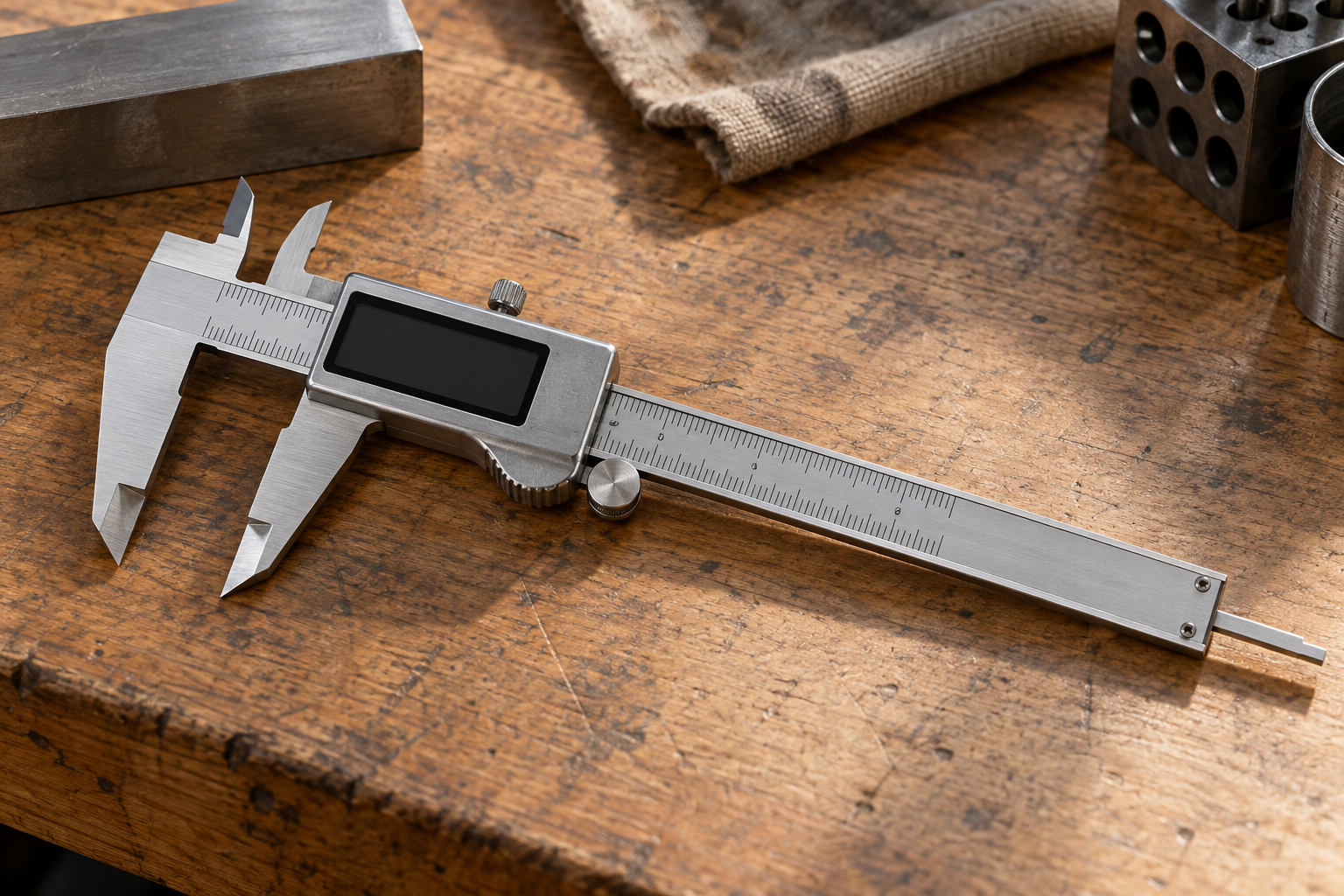
Hold the caliper so the beam is not twisted. Slide the jaws together gently until the measuring faces make contact. Use light, consistent pressure: enough to close the jaws, but not enough to flex them. The display should read 0.00 mm or 0.000 in, depending on the instrument’s resolution and selected units.
Open the jaws a few millimeters and close them again. Repeat this three or four times. A reading that returns to zero each time is a good sign. If it returns to different values, such as 0.00, 0.02, and -0.01 mm, suspect dirt, a damaged measuring face, loose or worn slide components, or inconsistent closing pressure. A single zero reading after pressing the button does not prove the caliper is measuring reliably.
Many digital calipers let you reset the display to zero at any jaw position. That feature is useful for comparative measurements, but it can also hide a real zero error. If the jaws show -0.02 mm when closed, pressing zero only changes the display; it does not repair the instrument. Record the initial reading before resetting it.
What the zero reading means
| Closed-jaw behavior | Likely meaning | What to do |
|---|---|---|
| Returns to 0.00 consistently | No obvious zero offset | Proceed, then check against a known reference for close-tolerance work |
| Shows the same small offset each time | Possible zero offset or residue on the faces | Clean and retry; if stable, note it and assess whether it is acceptable for the job |
| Reading changes on repeated closures | Contamination, damage, play, or inconsistent contact | Do not trust it for precision measurements until the cause is found |
| Display flickers or changes while stationary | Weak battery, poor electrical contact, or electronic fault | Replace the battery and retest; retire or service it if the fault remains |
Keep the display resolution in perspective. A caliper showing increments of 0.01 mm does not necessarily measure accurately to 0.01 mm. Resolution is the smallest displayed step; accuracy is how close the reading is to the true dimension. For general woodworking and rough metal stock checks, a stable zero may be sufficient. For a tight tolerance, use a suitable reference and consult the caliper’s stated accuracy.
Verify against a known size
If the part’s fit depends on a few hundredths of a millimeter, check more than the closed jaws. Measure a clean reference of known size, such as a gauge block or a verified pin gauge, using light, repeatable contact. For example, a 10 mm reference should produce a reading close to 10.00 mm, within the tool’s stated accuracy and the reference’s tolerance. A household coin is not a reliable calibration standard: its actual thickness varies with wear and manufacturing tolerances.
For stock, take measurements at several positions and orientations. Bar or sheet material may vary along its length, and a caliper can rock on a rounded edge or sit at an angle. Keep the jaws square to the faces and avoid squeezing soft material. If repeat readings differ more than the job allows, switch to a better instrument or improve the measuring setup.
Zero error is not the whole calibration check
Zeroing checks the offset when the jaws touch; it does not establish accuracy throughout the caliper’s range. A tool can return to zero yet read incorrectly at larger openings because of wear, beam damage, or a fault in its scale. If you regularly measure critical parts, verify at more than one known size and keep a record of the results. For regulated or high-precision work, use a documented calibration service rather than relying on a quick shop check.
Do not compensate for a changing reading by repeatedly pressing zero. A stable, small offset may be manageable for a noncritical comparison if you understand the direction and size of the error. A drifting or inconsistent reading is a different problem: subtracting one guessed correction from every measurement will not make it dependable.
When a replacement makes sense
If cleaning and a fresh battery do not restore repeatable readings, replacement is often more practical than repair for a basic shop caliper. A budget digital caliper is usually fine for occasional stock checks, layout, and noncritical comparisons, provided it closes consistently and is checked before use. Paying more can make sense for frequent use, better build quality, stronger support, or tighter documented accuracy—but price alone does not prove a particular tool is calibrated.
If your work needs finer, more dependable dimensional checks, compare a suitable outside micrometer against a digital caliper. A micrometer takes longer and measures a narrower range, but its ratchet or friction mechanism helps apply consistent force. A caliper is faster and more versatile for inside, outside, and depth measurements. Choose the instrument that matches the tolerance and measurement type, not just the one with the finer-looking display.