What's inside
As an Amazon Associate I earn from qualifying purchases. This post may contain affiliate links at no extra cost to you.
A digital caliper can show a crisp, precise-looking number and still be wrong. Before measuring a part, check that the jaws close to zero, repeat the check, and account for any offset you find. This takes less than a minute and can prevent a small setup error from spreading through a batch of parts.
What zero error means
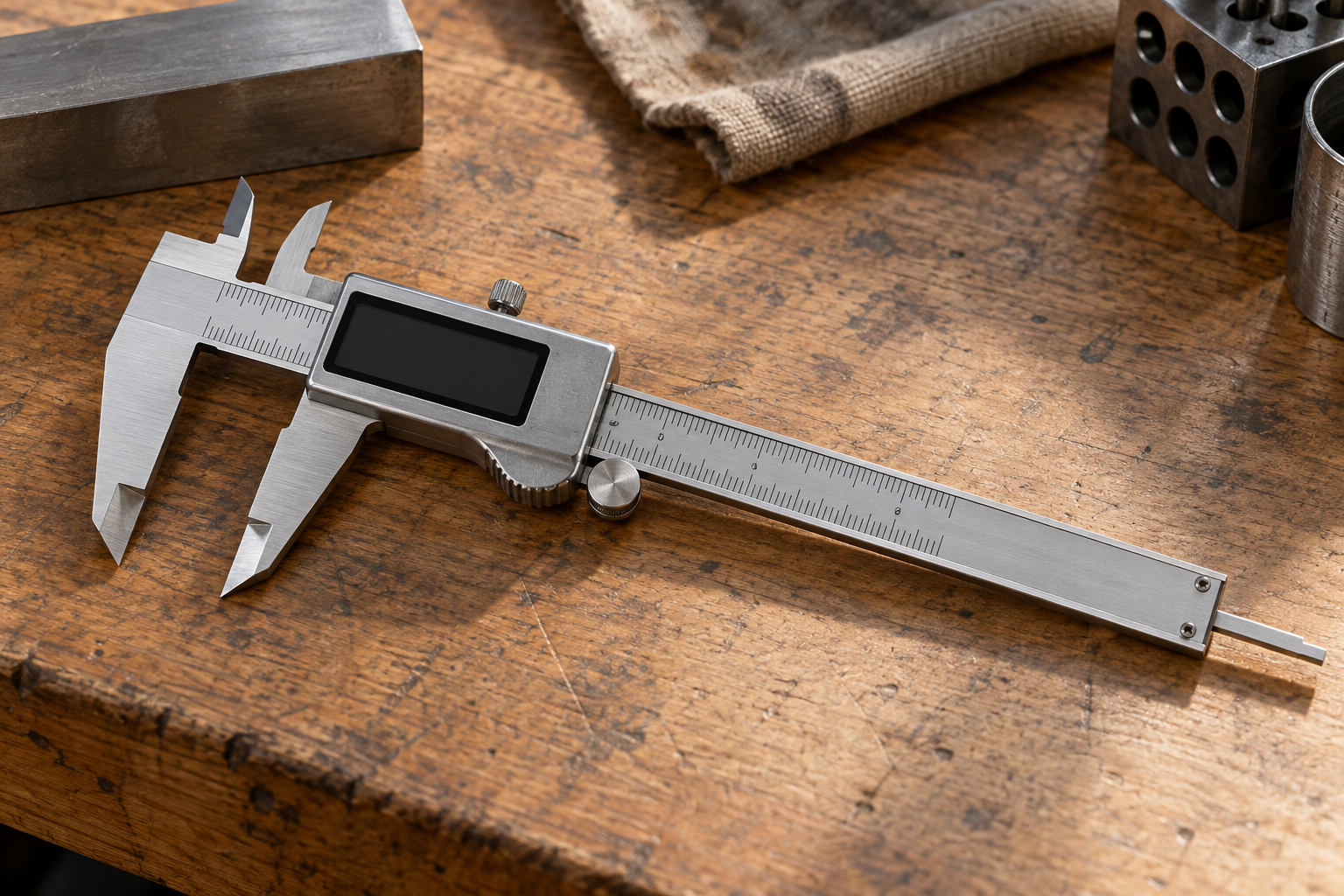
Zero error is the difference between the caliper’s displayed reading and the true reading when its measuring faces are in contact. With the outside jaws clean and fully closed, the display should read 0.00 mm or 0.000 in, depending on the unit and resolution. A display of 0.02 mm with the jaws closed indicates a positive offset of 0.02 mm.
Do not confuse resolution with accuracy. A caliper that displays increments of 0.01 mm does not necessarily measure to within 0.01 mm. Many general-purpose digital calipers are specified around ±0.02 mm or ±0.001 in, but the actual tolerance depends on the instrument, its range, and the manufacturer’s specification. Zeroing the display does not correct other errors, such as worn jaws or a misaligned measuring face.
Check zero before measuring
Use the outside jaws for the basic check. Make sure the caliper is clean, at room temperature, and not squeezed against the workbench or another object. A burr, chip, or film of oil between the jaws can keep them from seating fully.
- Wipe both outside measuring faces with a clean, lint-free cloth. Brush away chips rather than dragging them across the faces.
- Move the slider through part of its range and back. It should travel smoothly, without a snag or obvious side-to-side looseness.
- Bring the jaws together gently. Use light, consistent finger pressure; forcing them shut can flex the jaws or slider.
- Read the display. It should show zero in the selected unit. If it does, open and close the jaws two or three more times to see whether zero returns.
- If the reading is stable but not zero, use the caliper’s zero or origin button with the jaws closed. Open the jaws and close them again to confirm the display returns to zero.
Some calipers retain a zero offset until you reset them, while others offer a preset function intended for measurements from a reference. Check the manual before using a button marked “origin,” “preset,” or similar. Do not reset the instrument with the jaws open and then assume it is ready for ordinary measurements.
If the reading will not settle
A changing closed-jaw reading is a warning, not a reason to keep pressing zero. First clean the faces and check for a chip, dried coolant, or a small burr. Close the jaws gently from different positions along their travel. If the display varies by several hundredths of a millimeter, or does not return to the same value after repeated closures, the instrument may have contamination, worn or damaged faces, slider play, or an electronic fault.
Also check that the caliper is not being affected by a weak battery or a poor electrical connection. A low-battery warning, flickering digits, or sudden resets are reasons to replace the battery and repeat the check. Keep the tool away from strong magnetic fields and heavy coolant exposure unless its manufacturer rates it for those conditions.
Zeroing is not the same as calibration
Zeroing removes a consistent offset from the displayed reading. It does not prove that the caliper measures correctly across its range. To make a basic accuracy check, measure a clean, known reference such as a suitable gauge block, checking block, or certified pin. Use a reference near the size you expect to measure, hold the caliper square, and apply light pressure. Repeat the measurement several times.
A household ruler is not a useful calibration reference for checking a caliper’s small errors. Nor is a random drill bit necessarily a known size: shank diameter and manufacturing tolerance vary. For routine workshop checks, a quality reference block is more useful. For inspection work with tight tolerances, use traceable standards and follow the calibration procedure required for the job.
Zeroing or recording the offset?
| Situation | Best action | Trade-off |
|---|---|---|
| Stable, small offset; ordinary shop work | Clean the jaws and zero the caliper closed | Fast, but does not verify accuracy at other sizes |
| Stable offset that cannot be reset, or a procedure requiring original readings | Record the offset and correct each reading consistently | Easy to apply the correction with the wrong sign |
| Offset changes between closures or exceeds the job’s tolerance | Stop using it for that job; inspect, repair, or replace it | Costs time, but avoids trusting unstable measurements |
| Tight-tolerance or documented inspection work | Check against a suitable calibrated reference | More equipment and procedure than casual measuring requires |
If you record rather than zero an offset, keep the sign straight. With the jaws closed, a display of +0.02 mm means the caliper reads 0.02 mm high; subtract 0.02 mm from subsequent readings. A display of −0.02 mm means it reads low; add 0.02 mm. This correction only makes sense if the offset is repeatable and the instrument is otherwise suitable for the measurement.
Choosing a caliper for the job
For woodworking, home repair, and general layout, a basic digital caliper is often sufficient if it closes consistently and its accuracy meets the job’s needs. Paying more for a reputable shop-grade instrument may bring better fit, support, or documented specifications, but it will not eliminate the need to clean the jaws and check zero. Compare a basic 0–6 inch digital caliper with a precision digital caliper by looking at the stated accuracy, jaw construction, return policy, and whether a calibration certificate is included.
For frequent work in oily or wet conditions, look for a caliper with an ingress-protection rating suited to the environment; do not assume that any digital model is waterproof. A rated coolant-resistant digital caliper costs more, but can be a sensible choice where ordinary electronics are regularly exposed to coolant or dust. If measurements are loose-tolerance and infrequent, a cheaper tool is fine—provided it passes the repeatable zero check.
Make the final decision based on the part’s tolerance, not the number of digits on the screen. If a part must be within ±0.02 mm, a caliper near that accuracy limit may leave too little margin for a confident inspection. Use an appropriate measuring instrument, verify it against a reference, and keep the caliper for jobs it can reliably handle.