What's inside
As an Amazon Associate I earn from qualifying purchases. This post may contain affiliate links at no extra cost to you.
A digital inclinometer and a bevel gauge can both help set a saw blade, but they solve different parts of the job. The inclinometer measures the blade’s angle relative to a reference surface. The bevel gauge transfers an angle from one surface to another. For repeatable settings, the inclinometer is usually easier when you know the angle; a bevel gauge is often handier when you need to copy an existing angle.
As an Amazon Associate we earn from qualifying purchases at no extra cost to you.


Our Top Picks
 Klein Tools 935DAG Digital Electronic Level and AngleLevel2.36 x 2.2 x 1.2 inches0.2 PoundsCheck on Amazon

What each tool measures
A digital inclinometer uses an electronic sensor to show an angle, commonly to 0.1°. You place it against the saw blade or another flat reference, zero it, then tilt the blade until the display reaches the target. Some units have magnets that hold them to a steel blade, leaving your hands free to adjust the saw.
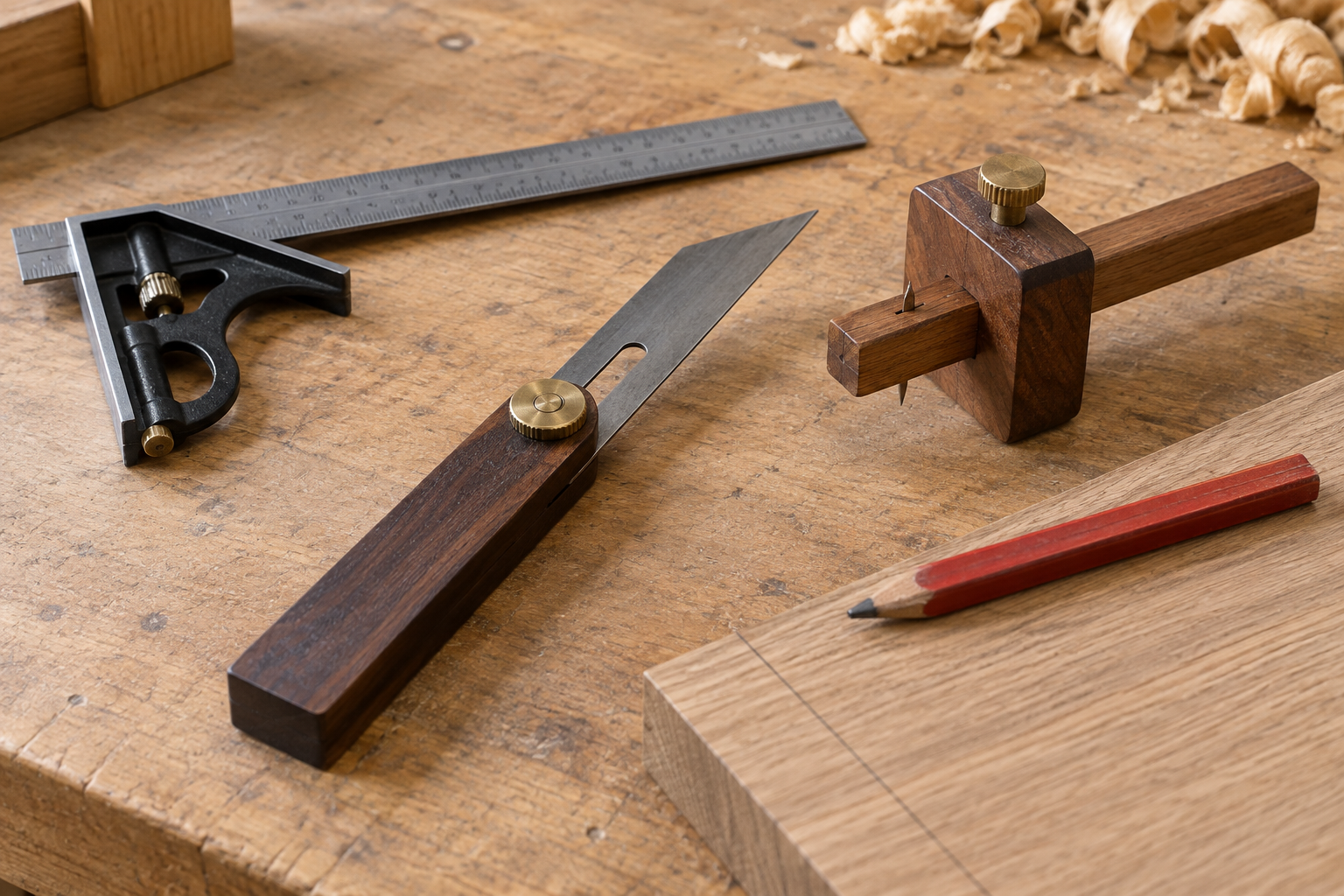
A bevel gauge—also called a sliding T-bevel—has a stock and a blade that pivot and lock. Set its blade against an existing bevel or inside a corner, tighten the lock, and transfer that angle to the saw’s scale or workpiece. Most bevel gauges do not measure degrees on their own. A separate protractor or angle finder is needed to turn the copied angle into a number.
At a glance
| Job or concern | Digital inclinometer | Bevel gauge |
|---|---|---|
| Set a known angle | Direct readout; quick to adjust | Needs an angle scale or another tool |
| Copy an existing angle | Can measure it, but may be awkward to position | Fast to capture and transfer |
| Repeat the same setting | Easy to return to a displayed number | Repeatable if the joint stays locked |
| Power or batteries | Usually requires batteries | None |
| Common source of error | Bad zero, dirt, or poor contact with the blade | Slipping lock or parallax when reading a marked scale |
Which makes repeatable saw settings easier?
For a table saw or miter saw, a digital inclinometer is the more straightforward choice when setting a specific blade angle. Zero it on the saw table, attach it to the blade, and adjust until the display shows the target. For a 30° bevel, for example, you can work to 30.0° rather than estimating between printed marks on a saw scale. A magnetic digital inclinometer for saw setup is particularly convenient on a steel blade.
That readout only helps if the reference is sound. Sawdust on the table or blade can keep the instrument from sitting flat. A bent blade, rough tooth, or magnet resting on a carbide tooth can also tilt it. Put the gauge against the flat plate of the blade, not a tooth, and make sure it contacts cleanly. Zero it on the table before measuring; don’t assume the floor, bench, or saw cabinet is level.
A bevel gauge is less direct for a numbered setting but can be more reliable for matching a real part. If a molding or roof cut has an unknown angle, lock the gauge to that surface and transfer it to the saw. This avoids converting an awkward shape into a measurement and back again. The weak point is mechanical: if the pivot moves while you carry or position the gauge, the copied angle changes. Tighten the lock firmly and check the fit against the original before cutting.
Accuracy, calibration, and real-world limits
A display that resolves to 0.1° is not proof that the tool is accurate to 0.1°. In practice, the flatness of the blade, the contact area, and how consistently you seat the gauge matter at least as much as the last digit. For cabinet work, a small angle error can show as a gap along a long miter. A test cut is still the best check: cut scrap, assemble the joint, and adjust if the faces do not close cleanly.
Digital gauges can drift or be zeroed incorrectly. Before trusting one, place it on the saw table, zero it, then flip it 180° on the same surface. If it gives a noticeably different reading, recalibrate it according to its instructions or use another reference. Keep the battery fresh; a dim display or intermittent reading is a poor basis for a precision setup.
Bevel gauges avoid batteries and electronic zero errors, but they do not eliminate measurement errors. A loose hinge can creep, and a narrow blade may not sit squarely in a wide corner. If you need a numeric angle, a marked bevel gauge with an angle finder can combine transfer and reading, though it is still worth checking the result with a test cut.
Which should you buy?
Buy a digital inclinometer if you regularly set a table saw, bandsaw, or miter saw to specific angles and want to return to them without squinting at the built-in scale. It is also useful for checking whether a saw’s 0° stop is truly square. A basic unit is enough for ordinary woodworking; spending more is worthwhile mainly if you need better durability, a larger display, or a shape that fits your tools.
Choose a bevel gauge if your work involves copying existing angles—trim, repairs, stair parts, or nonstandard corners—or if you want a simple tool that never needs a battery. A plain sliding T-bevel is often the cheaper and more durable choice. It is fine for occasional cuts where you can transfer the angle directly and verify the fit on scrap.
If you can buy only one, think about the question you ask most often. “How many degrees should the blade be?” favors an inclinometer. “How do I copy this surface?” favors a bevel gauge. In a small shop, owning both is useful but not essential: the gauge captures the shape, while the inclinometer makes the saw adjustment easy to read and repeat.
A repeatable setup routine
For an inclinometer, clean the saw table and blade plate, zero the tool on the table, then place it on the blade plate away from teeth. Adjust the blade, lock the saw’s bevel mechanism, and recheck the reading after tightening; the lock can pull the blade slightly off angle. Make a test cut in scrap and measure the result before cutting your final stock.
For a bevel gauge, seat its stock firmly against the reference face, lock the blade, and transfer it without changing your grip on the pivot. Set the saw to match, then test the cut against the original part or a mating piece. Either tool can produce repeatable settings, but neither can compensate for a dirty reference, a slipping lock, or a saw that shifts when its bevel is secured.