What's inside
As an Amazon Associate I earn from qualifying purchases. This post may contain affiliate links at no extra cost to you.
Our Top Picks
 O'SKOOL Drill Press Table with Adjustable Aluminum Fence23-5/8 x 15 x 1 in23.62 x 1 x 15 inches13.2 PoundsCheck on Amazon


Short answer: a fence controls position; a laser shows the point
A drill-press laser and a fence solve different hole-placement problems. A laser projects a mark onto the work so you can line up a single hole quickly. A fence sets the workpiece’s distance from the drill bit, making it more useful for rows of holes or repeated parts. Neither corrects a loose quill, a wandering bit, or a workpiece that shifts during drilling.
If you mostly drill occasional holes by eye or from a center-punch mark, a laser can save setup time. If you need several holes at the same distance from an edge, buy or make a fence. For repeatable work, a clamped stop and a fence generally beat a laser on accuracy.
As an Amazon Associate we earn from qualifying purchases at no extra cost to you.


What each accessory actually does
A laser guide projects one or two lines that cross at the expected bit location. You move the workpiece until the lines meet your pencil mark, then drill. It does not hold the work, measure from an edge, or guarantee that the projected cross lands exactly under the bit. Some presses include a laser; aftermarket drill-press laser guides are also available.
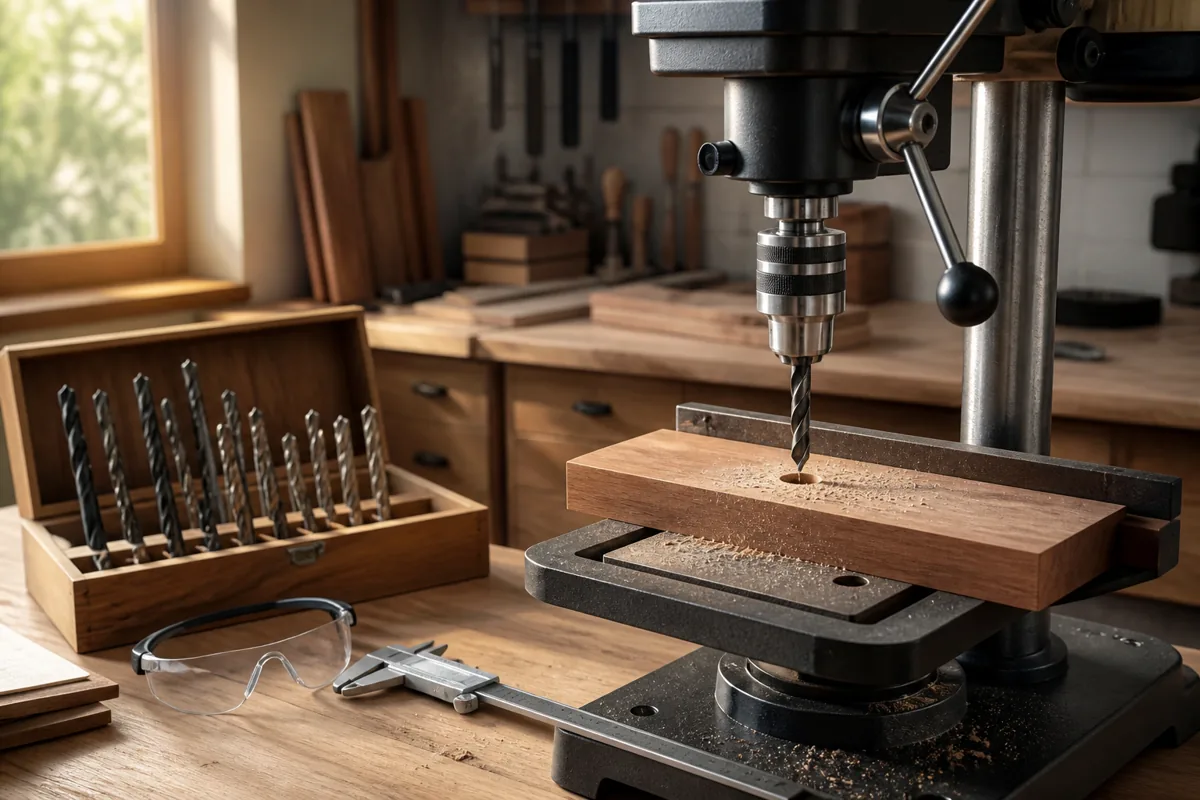
A fence is a straight reference mounted to the table. Slide the workpiece against it, and the fence fixes the distance from the bit to one edge. Add a stop block when you need holes at the same distance along the workpiece. A fence can be as simple as a straight board clamped to the table; a dedicated drill-press fence may offer easier adjustment and a built-in scale.
Laser vs. fence at a glance
| Factor | Laser guide | Fence |
|---|---|---|
| Best for | Locating isolated holes from marked points | Keeping holes a fixed distance from an edge |
| Setup | Fast; align the cross to the mark | Measure, set, and clamp the fence; add a stop for repeated spacing |
| Repeatability | Depends on the operator aligning every mark consistently | Good when the fence and stop stay locked |
| Workpiece restraint | None | Provides a reference, but does not replace clamping |
| Main weakness | Alignment, visibility, and calibration can be off | Hard to use for holes located by center marks rather than an edge |
| Cost | Often included; otherwise an added purchase | A clamped straightedge can cost nothing; dedicated fences cost more |
Which gives better hole placement?
For one hole located from a center mark, the laser is usually quicker. For a row of holes measured from a straight edge, the fence is usually more consistent. A laser asks you to make the same visual alignment repeatedly; even a small error at each setup can create a visibly uneven row. A fence keeps the edge-to-bit distance fixed, provided the workpiece stays against it.
Neither accessory sets the distance between holes by itself. To drill holes every 50 mm, for example, you need a stop, a marked layout, or another indexing method. A fence with a stop block makes repeated spacing easier: set the first position, clamp the stop, and feed each piece to it. Check the first part before making a batch.
Numbers on a fence scale are a starting point, not proof of accuracy. The bit’s actual cutting edges, fence alignment, and how you measure all affect the result. Set the fence, drill a test hole in scrap, and measure from the same edge you will use on the finished parts. If the test is 2 mm out, adjust before drilling the batch.
Common ways both methods fail
A laser can be poorly calibrated or hard to see in bright light. Its cross may look centered on a mark while the bit lands off-center. Verify it with a center-punched mark and a scrap test: lower the bit close to the work without turning on the motor, and check whether the point aligns. Recheck after adjusting the table or moving the laser.
A fence can be out of square to the table, shift under pressure, or reference a rough or crooked edge. A short fence also gives narrow stock little support. Check the fence against a square, clamp it firmly, and keep the work pressed against it as you feed. For small parts, use a vise or hold-down rather than your fingers near the bit. A fence is a positioning aid, not a substitute for securing the work.
Both methods also inherit problems from the drill press itself. A dull bit, excessive feed, or unsupported workpiece can cause grabbing and movement. Clamp the stock, especially metal or small pieces, and use a backing board where tear-out matters. Center-punch metal before drilling; a laser alone will not stop a bit from skating across a smooth surface.
What should you buy?
Choose a laser if you drill mostly one-off holes, work from visible pencil marks, and value quick setup more than repeatable edge spacing. It is a convenience, not a measuring system. If the press already has a well-aligned laser, there may be no reason to buy another.
Choose a fence if you make cabinets, brackets, jigs, or repeated parts with holes a consistent distance from an edge. A straight board and two clamps are enough for occasional work. A dedicated fence is worthwhile when you adjust the setup often or need to move the fence without rebuilding it. Compare the fit and mounting options before choosing a fence with an adjustable stop.
If placement matters, use both: align the first hole from its mark, then set a fence and stop for repeatable work. But if you can buy only one accessory, base the choice on the reference your jobs use most. Center marks favor a laser; a consistent edge favors a fence. For the cheapest reliable improvement, clamp a straightedge, test on scrap, and secure the work before drilling.