What's inside
As an Amazon Associate I earn from qualifying purchases. This post may contain affiliate links at no extra cost to you.
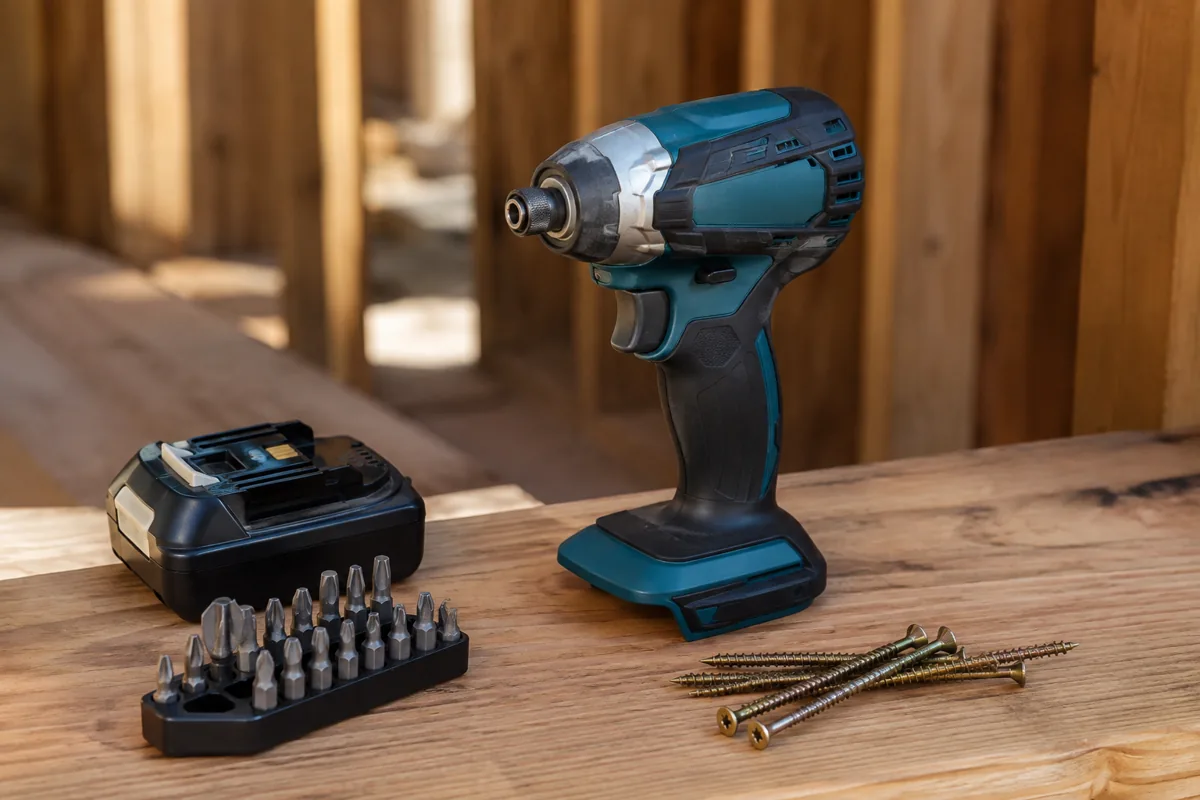
For installing receptacles, switches, cover plates, junction-box covers, and similar electrical hardware, a screwdriver is usually the better tool. An impact driver is faster and more capable, but its hammering action makes it easier to damage screw heads, device yokes, threads, and plastic boxes.
The important distinction is control. Electrical device screws are small and commonly tightened to modest specifications. A typical receptacle or switch terminal may call for roughly 12–14 inch-pounds, while cover-plate screws generally need only enough torque to hold the plate flat. An impact driver can deliver several hundred inch-pounds, often with a very short trigger pull. That is a large mismatch for delicate hardware.
As an Amazon Associate we earn from qualifying purchases at no extra cost to you.



Our Top Picks
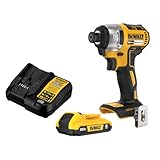
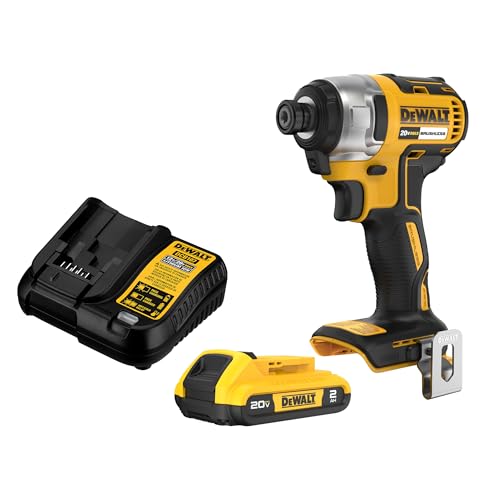
 DEWALT 20V MAX Cordless Drill and Impact DriverOne Size15.06 x 6.4 x 9.88 inches3.6 poundsCheck on Amazon


What Each Tool Does
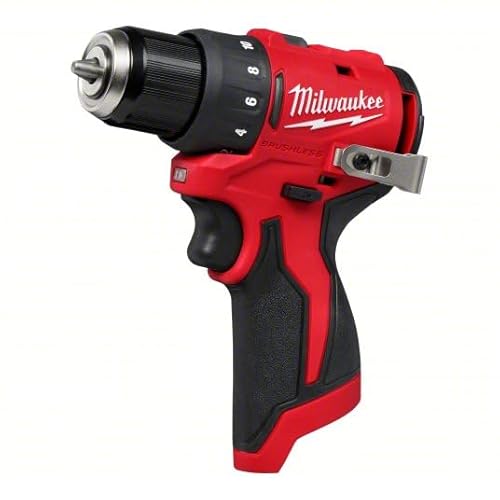
A powered screwdriver or drill/driver turns the bit continuously. A drill/driver with an adjustable clutch slips when it reaches a selected torque, giving you a useful limit for device screws. A compact electric screwdriver offers even more control, though it usually has less power and a smaller battery.
An impact driver also rotates continuously, but when the fastener resists turning, it adds rapid hammer blows in the direction of rotation. This helps drive long screws into framing and remove stuck fasteners. It also produces vibration, noise, and a less predictable final torque.
A hand screwdriver remains the simplest option. It is slow for dozens of devices, but it gives excellent feedback and makes overtightening difficult unless you deliberately lean on it.
| Factor | Impact driver | Drill/driver or electric screwdriver | Hand screwdriver |
|---|---|---|---|
| Speed | Very fast on long screws | Fast and easy to control | Slowest |
| Torque control | Poor to moderate; depends heavily on technique | Good with a clutch | Excellent by feel |
| Risk to device hardware | Highest | Low when set correctly | Lowest |
| Best use | Box screws and framing, not final device tightening | Most device installation work | Final tightening and small jobs |
| Typical bit type | 1/4-inch hex impact-rated bits | Standard insert or driver bits | Matching screwdriver tip |
Why Impact Drivers Cause Problems
The common failure is stripping the combination-head screw. Electrical device screws are often Phillips, slotted, or combination heads with shallow recesses. A high-speed impact driver can cam out before you react, especially if the bit is worn or the screw is slightly misaligned.
Overtightening is another issue. A device screw can pull a metal yoke out of alignment, crack a plastic mounting ear, distort a receptacle, or damage threads in an electrical box. On terminal screws, excess torque can damage the conductor or terminal clamp. Loose terminals are dangerous, but “tighter” is not automatically safer; follow the torque marking or installation instructions for the device.
An impact driver is particularly risky when installing cover plates. The screw may bottom out against the device or box and continue spinning, cracking the plate or stripping the threads. It can also leave the plate uneven because the tool has little feel at the final turn.
When an Impact Driver Makes Sense
An impact driver is useful before the device is installed. Use it to drive screws securing an electrical box to wood, fasten conduit straps, install cable clamps, or drive long structural screws. These jobs benefit from impact action and generally use larger, tougher fasteners.
You can also use one for device screws if you deliberately treat it as a low-power driver. Use the lowest speed, keep the bit perfectly aligned, apply firm pressure, and release the trigger as soon as the screw seats. Never rely on the impact mechanism to provide an accurate torque limit. If you use this method, finish with a hand screwdriver or a calibrated torque screwdriver.
Use only a properly fitting, impact-rated bit in an impact driver. A standard bit can twist or shatter. A magnetic bit holder also makes it easier to keep the bit straight, though it does not solve the torque-control problem.
The Best Choice for Most Installers
For replacing a few outlets or switches, a quality hand screwdriver is enough. A multi-bit electrical screwdriver with Phillips, slotted, and square tips covers most device hardware. Look for insulated handles if that suits your work habits, but insulation is not permission to work on energized circuits. Turn off the breaker, verify power with a known-working tester, and check all conductors before touching them.
For repeated installation, choose a 12V cordless drill/driver with a clutch. A compact model is easier to fit in crowded boxes, and its lower power is an advantage here. Set the clutch low, drive one test screw into a scrap device or box, and increase the setting only if the screw does not seat. The clutch setting numbers are not universal torque values, so test rather than assuming “5” means the same thing on every tool.
A small adjustable-torque electric screwdriver is worth considering for production work where consistent seating matters. It is slower and less versatile than a drill/driver, but that limitation helps prevent damage.
Technique That Prevents Damage
Start every screw by hand for at least a turn or two. This confirms that the threads are engaged and reduces cross-threading. Place the device squarely in the box, keep the bit in line with the screw, and run it only until the yoke is secure and the device sits straight.
Do not use the device screws to force a crooked or overcrowded box into position. Correct the box, fold the conductors neatly, and then install the device. If the screw spins without tightening, stop and inspect for stripped threads, a missing clip, or a damaged box ear. Longer screws are not automatically a fix; they may contact wiring or bottom out inside the box.
Buying Verdict
If your main task is installing electrical devices, buy a compact drill/driver with an adjustable clutch, or use a hand screwdriver if the job is occasional. An impact driver is a worthwhile second tool for box mounting and general construction, but it is not the best primary tool for final device screws.
The cheaper option is fine when you are replacing one or two devices: a correctly sized hand screwdriver costs little and offers the most control. Spend more on a drill/driver only when speed, repetition, or work in multiple locations justifies it.