What's inside
As an Amazon Associate I earn from qualifying purchases. This post may contain affiliate links at no extra cost to you.
The Kreg K4 and Massca M2 both set pocket-hole spacing by moving a stop block along a fence. The difference is how clearly each jig guides that adjustment—and how much fuss is involved when changing stock thickness or hole spacing.
For routine work in common board thicknesses, either can do the job. The K4 has a familiar, straightforward layout and a wide clamping platform. The M2 is a compact, lower-cost option with useful adjustment features, but its markings and setup deserve a careful check before drilling. Neither jig makes a wrong thickness setting harmless: a misplaced hole can break through an edge or leave too little material for a strong screw joint.
As an Amazon Associate we earn from qualifying purchases at no extra cost to you.


Our Top Picks


Adjustment at a glance
| Adjustment task | Kreg K4 | Massca M2 |
|---|---|---|
| Set for stock thickness | Move the stop collar on the drill bit and use the jig’s thickness reference | Set the bit collar and adjust the jig’s stop to match the stock |
| Change hole spacing | Slide the guide block across its base and align it to the desired position | Move the guide block along its base; verify the position against the workpiece |
| Work with common thicknesses | Clear references for typical 1/2-, 3/4- and 1 1/2-inch material | Adjustable for different stock, but check the scale and setup rather than assuming a familiar mark |
| Adjustment feel | Large, simple components; easy to understand | Compact and capable, though the smaller layout can take more attention |
Thickness and spacing are separate settings. The stop collar controls how far the bit travels; the jig’s stop and guide position help locate the hole on the board. Set the collar from the jig maker’s chart or instructions, then confirm the fence or stop against the actual stock. Don’t use a spacing adjustment to compensate for a collar set incorrectly.
Setting up the Kreg K4
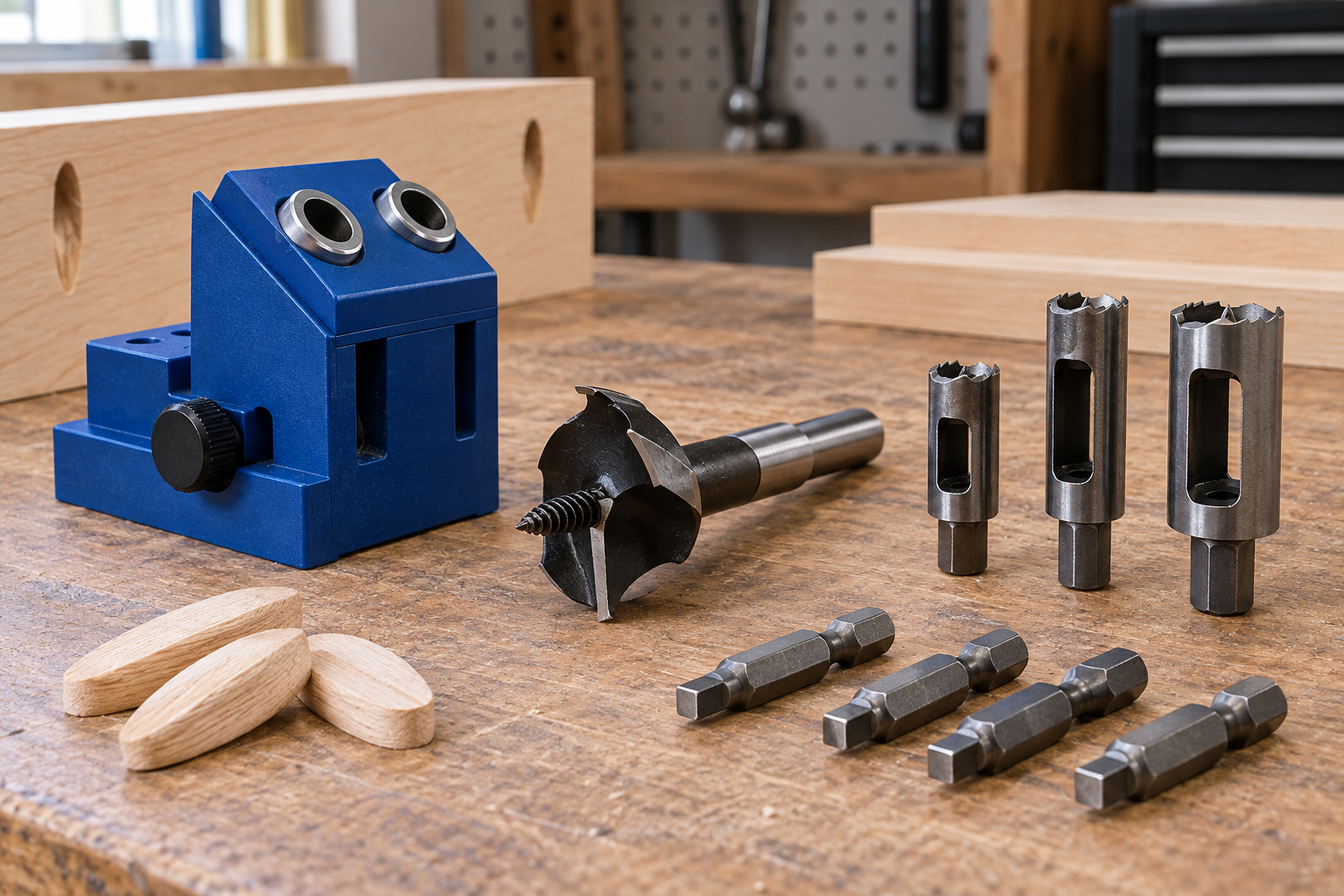
The K4’s adjustment routine is easy to follow once you know which part controls what. Set the stop collar on the stepped bit for the material thickness, then position the workpiece against the adjustable stop. For wider panels, move the drill-guide block across the base so the holes are spread where you want them. The block’s positions and the broad working surface make this a relatively forgiving setup for furniture parts and cabinet panels.
The K4 is particularly convenient when most of your work uses 3/4-inch stock. That is a common thickness for plywood and many furniture boards, and it is also a familiar reference point in the jig’s setup instructions. If you switch to 1/2-inch material, don’t leave the collar at the 3/4-inch setting: the hole can be too deep and may break through the face. With 1 1/2-inch material, use the correct setting and screw length rather than assuming the thicker board needs only a deeper hole.
The K4 is not self-adjusting, and its wide base is less appealing if you want a jig that takes up little bench space. You still need to check the collar with a ruler or the supplied gauge and lock it firmly. A collar that slips while drilling can make a whole batch of holes inconsistent.
Setting up the Massca M2
The M2 uses the same basic sequence: set the bit collar to suit the stock, position the material against the stop, and move the guide to put holes where needed. Its compact format suits a small shop or occasional repairs, and its adjustments let it handle more than one board thickness. The trade-off is that the smaller layout gives you less room to treat setup marks as a substitute for checking your work.
For a first setup, measure the stock with a caliper or ruler, set the collar according to the M2 instructions, and drill a test hole in scrap of the same thickness. Check that the pocket does not break through and that the screw exits in the intended area. Repeat the test after changing thickness, bit, or screw length. Those checks matter on any jig; they are especially useful when you are learning an unfamiliar scale or setting system.
Watch for two common errors. First, a stop positioned for a different thickness can put the pocket too close to a board edge. Second, a guide block that is not secured can shift under drilling pressure and leave holes out of line. Tighten the adjustment, clamp the work firmly, and test one hole before drilling a row.
Which is easier to adjust?
For a beginner or anyone who changes settings often, the K4 is easier to read and set consistently. Its larger, familiar layout makes it simpler to see where the guide block sits, and its instructions provide clear starting points for common material thicknesses. That does not remove the need to set the bit collar correctly, but it reduces the chance of confusing the jig’s position with the drilling depth.
The M2 is a sensible choice if you want an adjustable pocket-hole jig at a lower cost and do not mind checking each setup. For a short repair job, a few shelves, or occasional 3/4-inch stock, the difference in adjustment convenience may not justify paying more for the K4. If you build regularly, switch among several thicknesses, or want more working room around larger panels, the K4’s easier-to-read layout and broad base are worth considering.
Choose by workflow, not just price
Buy the K4 if you value a straightforward setup and expect to use the jig regularly on furniture or cabinet projects. Look for a Kreg K4 pocket-hole jig when that larger, familiar format fits your bench and budget.
Choose the M2 if lower cost and compact size matter more than the clearest adjustment experience. A Massca M2 pocket-hole jig can be enough for occasional projects, provided you verify the collar and test on scrap whenever you change stock thickness.
Whichever you buy, match the screw length to the material and joint, clamp the jig securely, and drill a test hole before committing to finished parts. Those habits prevent the failures that adjustment convenience alone cannot: a pocket breaking through a face, a screw emerging at the edge, or a row of holes drifting out of alignment.