What's inside
As an Amazon Associate I earn from qualifying purchases. This post may contain affiliate links at no extra cost to you.
Arbor runout is the amount the saw’s arbor or blade mounting surface wobbles as it turns. Too much can contribute to blade vibration, noise, and a rough cut—but a dial indicator reading alone does not prove the arbor is bad. Dirt, a damaged flange, a bent blade, or a poorly seated blade can create similar symptoms. Measure carefully, then isolate the source before buying parts.
What you need
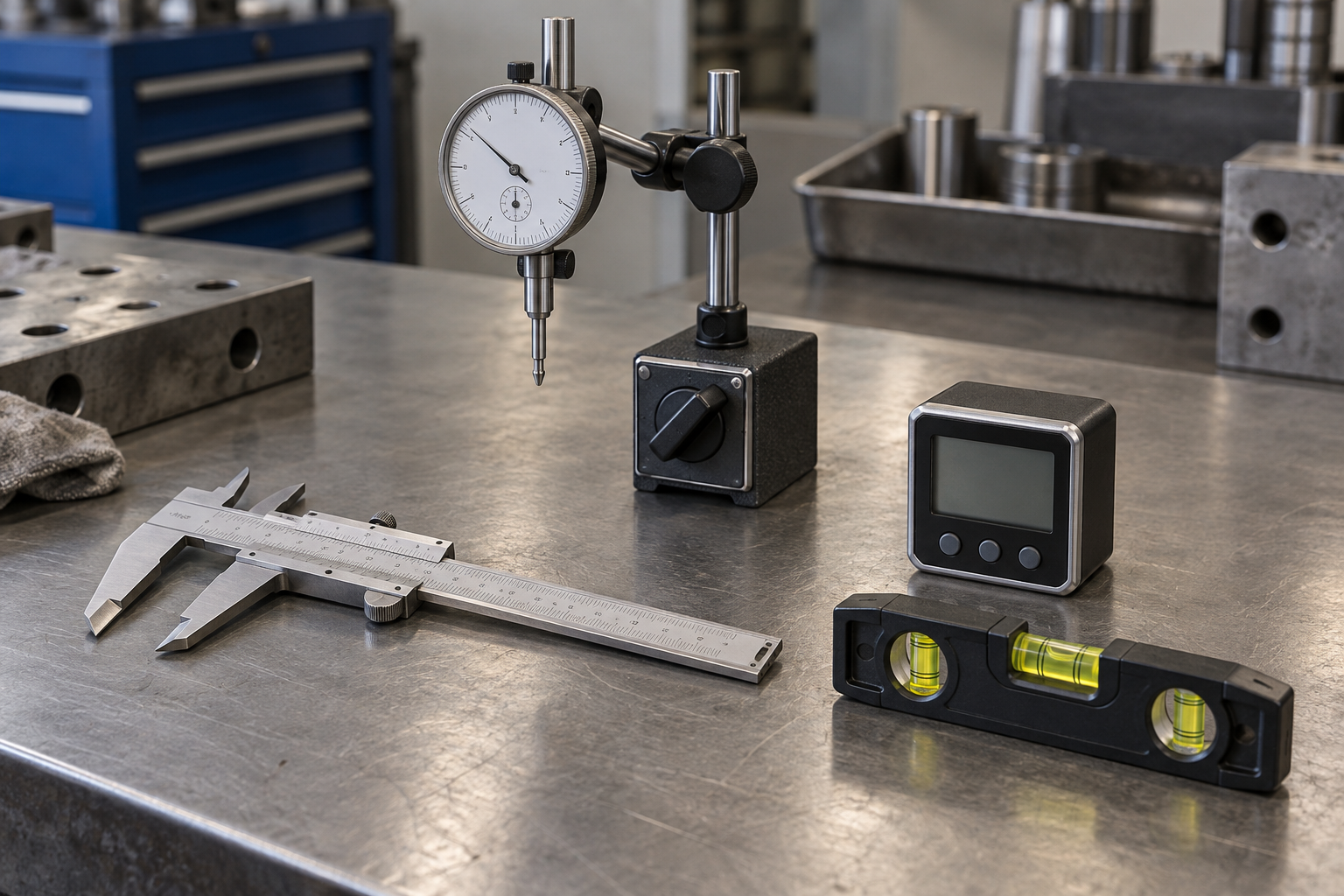
Use a dial indicator with a magnetic base or a rigid clamp, plus a way to turn the arbor by hand. A basic dial indicator and magnetic base is usually adequate for workshop diagnosis. A model reading in 0.001-inch increments is practical; finer resolution is useful only if the mounting setup is stable enough to support it.
You may also want a straight, clean test arbor or a known-flat blade plate. Do not rely on an ordinary saw blade as a precision reference: its plate can be warped, and teeth make consistent contact difficult. Unplug the saw before setup. Remove the blade and insert, and keep hands clear of sharp teeth. Never use the motor to turn the arbor during measurement.
Prepare the saw and indicator
Clean the arbor threads, flange faces, and the blade’s contact surfaces. A small chip or pitch deposit trapped between parts can tilt a blade enough to produce a misleading reading. Check that the arbor nut and flange are not visibly damaged. If the saw has a removable throat insert, take it out so the indicator can reach the arbor.
Mount the indicator to a part of the saw that will not move relative to the arbor, such as a solid trunnion or cabinet surface. Avoid a flexible extension or a stand resting on the table if the table can shift or vibrate. Set the contact tip roughly perpendicular to the surface being measured and preload it by a small amount—often around 0.020 to 0.050 inch, depending on the indicator. The plunger must remain in contact through a full rotation.
Before taking a reading, press gently on the stand and watch the dial. If the reading changes, stiffen or reposition the mount. A loose setup can show more runout than the saw itself.
Measure arbor runout step by step
For a first check, put the indicator tip against a clean cylindrical portion of the arbor, as close to the flange as practical without touching the threads or a shoulder. Turn the arbor slowly by hand through one full revolution. Note the highest and lowest readings. The difference between them is total indicated runout, or TIR. For example, if the needle moves from 0.000 to 0.003 inch, TIR is 0.003 inch—not 0.0015 inch.
Repeat the measurement at the same spot. Then check a second accessible cylindrical location if the arbor’s shape allows it. A repeatable reading matters more than a single impressive-looking number. If the needle jumps at one point, inspect for a nick, rust spot, or debris under the indicator tip before treating that jump as a bent shaft.
Next, measure the arbor flange face. Set the tip against the flat face near its outer edge, avoiding raised burrs and the outer lip. Rotate the arbor and record TIR. Face wobble can steer the blade even when the arbor’s cylindrical surface runs true. A reading on the flange is not interchangeable with a reading on the shaft; report which surface you measured.
How to interpret the reading
There is no single runout limit that applies to every table saw and every measurement location. Consult the saw manufacturer’s specification if available. As a practical diagnostic, repeatable readings around 0.001 to 0.003 inch at the arbor are generally small; readings around 0.005 inch or more deserve investigation, especially if accompanied by vibration or poor cuts. These are screening ranges, not pass-or-fail specifications. Your indicator, mounting stiffness, and measurement point all affect the result.
Use this comparison to decide what to check next:
| Measurement or symptom | Likely next check | What it tells you |
|---|---|---|
| Arbor shaft TIR is low; blade wobbles | Clean and reseat the blade; check another blade | The blade or seating surfaces may be the problem |
| Arbor shaft TIR is low; flange-face TIR is high | Inspect flange for dirt, burrs, or damage | The blade may be tilted by the flange |
| Repeatable high TIR on the shaft | Recheck setup, then compare with the maker’s limit | The arbor may be bent or have a damaged bearing |
| Reading changes between repeats | Stiffen the indicator mount and clean contact points | The measurement may be unreliable |
Separate arbor runout from blade runout
After recording the arbor readings, reinstall a clean blade and tighten the nut normally—do not overtighten to force it flat. Put the indicator against the blade plate near the rim, clear of the teeth, and rotate the arbor by hand. If the blade reading is high while the shaft and flange readings are low, remove the blade, rotate it to a different position on the arbor, and measure again. A change in the high spot points toward blade flatness or seating rather than a bent arbor.
A straightedge can reveal obvious damage, but it cannot quantify small runout. If you need repeatable checks or are comparing blades, a precision test arbor or arbor-checking fixture can reduce uncertainty, though it is unnecessary for a one-time basic diagnosis. For most owners, a stable indicator stand and a clean reference surface are the better first purchase.
Common mistakes and when to stop
Do not measure on dirty threads, against blade teeth, or with the indicator stand attached to a loose guard or fence. Do not confuse blade wobble with arbor runout, and do not assume every rough cut comes from the arbor; blade condition, alignment, feed rate, and material can all contribute. If readings remain high after cleaning and repeating the test, or the arbor has noticeable play, grinding noise, or heat, stop using the saw and have it inspected. Bearing or arbor replacement is a repair job, not an adjustment to make by tightening the blade nut harder.
For a first diagnosis, a basic 0.001-inch dial indicator is usually the sensible buy. Spend more on a stiffer stand or finer-resolution indicator only when you need repeatable measurements close to the saw’s published tolerance. A rigid indicator stand can matter more than extra dial resolution if the current setup flexes.