What's inside
As an Amazon Associate I earn from qualifying purchases. This post may contain affiliate links at no extra cost to you.
The best laptop power banks for travel are the Anker Prime 27,650mAh 250W for maximum output, the UGREEN Nexode 25,000mAh 200W for a strong balance of capacity and ports, and a 20,000mAh 100W model such as the Baseus Blade when low weight matters more than runtime.
A laptop power bank is not judged by milliamp-hours alone. For mobile work, compare USB-C Power Delivery wattage, usable energy after conversion losses, your laptop’s charging requirement, carry-on rules, weight, and whether the ports can charge several devices at once.
As an Amazon Associate we earn from qualifying purchases at no extra cost to you.


Our Top Picks


Quick comparison of the leading types
| Power bank | Rated capacity | Maximum output | Approx. usable energy | Weight | Best for |
|---|---|---|---|---|---|
| Anker Prime 27,650mAh Power Bank | 99.54Wh | 250W total; up to 140W from one USB-C port | 80–90Wh | About 665g | Power-hungry laptops and several devices |
| UGREEN Nexode Power Bank 25,000mAh | 90Wh | Up to 200W total; up to 130W from USB-C | 72–81Wh | About 505g | High-output mobile work without maximum size |
| Baseus Blade 20,000mAh | 74Wh | 100W USB-C | 59–67Wh | About 490g | Thin travel bags and ordinary business laptops |
| Nitecore NB20000 Gen 3 | 72Wh | 100W USB-C | 58–65Wh | About 291g | Minimum weight and short work sessions |
| Zendure SuperTank Pro | 99.9Wh | 138W total; up to 100W from one USB-C port | 80–90Wh | About 566g | Multiple USB-C devices and detailed readouts |
Weights and dimensions can vary slightly by revision and market. Usable energy is an estimate because USB-C voltage conversion, cable resistance, laptop charging behavior, and heat reduce the energy delivered to the computer.
Best choices by travel situation
Best overall for demanding laptops: Anker Prime 27,650mAh 250W
This is the strongest choice for a mobile workstation, particularly if your laptop normally uses a 100W, 120W, or 140W USB-C charger. Its 250W total rating also leaves room for a phone, tablet, camera battery, or work light. The built-in display and charging controls are useful when you need to know whether the bank is actually delivering high-power charging rather than merely showing a remaining percentage.
The trade-off is size and weight. At roughly 665g, it is closer to carrying a compact tool battery than a pocket charger. Its 99.54Wh rating is deliberately close to the common 100Wh airline threshold, so check the printed rating and the airline’s current policy before flying.
Best balance of output, weight, and ports: UGREEN Nexode 25,000mAh
The UGREEN Nexode 25,000mAh model is a better compromise when a 140W laptop output is unnecessary but a 65W or 100W laptop still needs fast charging. It typically provides multiple USB-C ports plus USB-A, making it practical for a laptop, phone, and smaller accessories. The 90Wh rating offers substantial runtime while remaining below 100Wh.
Read the port-allocation table for the exact version before buying. A power bank may advertise 200W total, but that figure is shared across ports. Plugging in several devices can reduce the laptop port to a lower profile such as 65W or 100W.
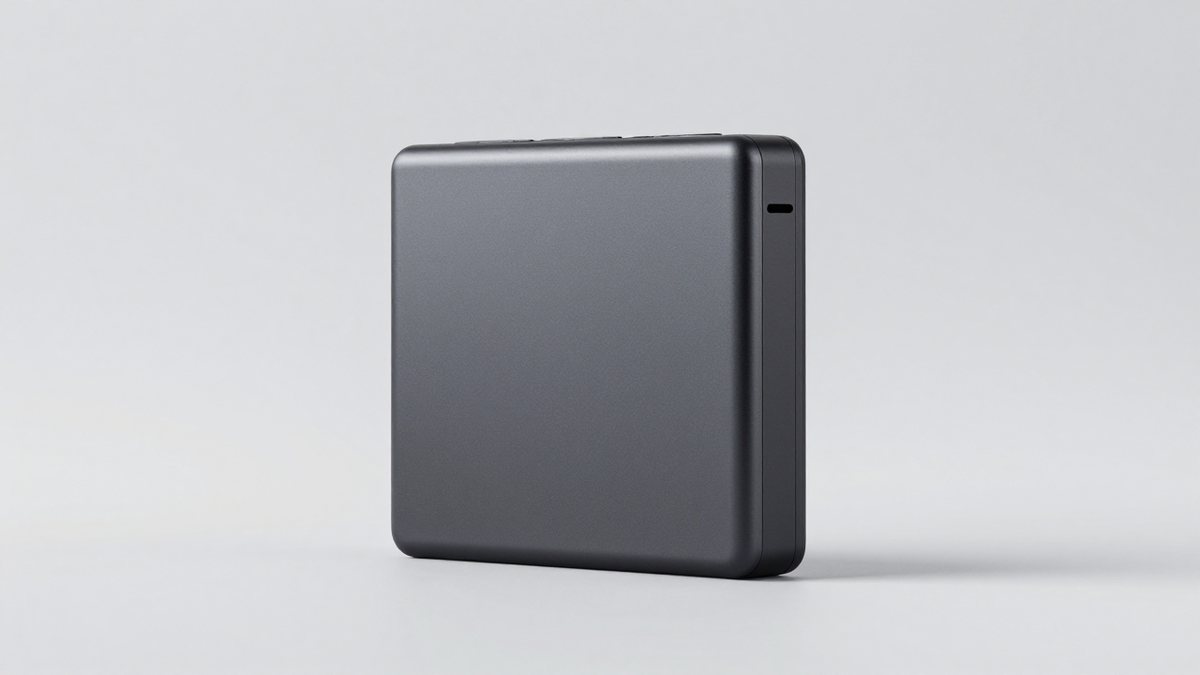
Best slim option: Baseus Blade 20,000mAh 100W
The Baseus Blade is shaped more like a flat tablet than a thick cylinder, so it fits neatly beside a laptop in a briefcase or tool case. Its 100W USB-C output covers many 13- and 14-inch productivity laptops, including models that charge through USB-C at 45W, 65W, or 90W.
Its 74Wh capacity is not enough for several full laptop recharges. It is better understood as an emergency extension: enough energy to finish a remote meeting, compile a project, review drawings, or complete a few hours of light work. It is also comfortably below the 100Wh airline threshold.
Best for minimum carry weight: Nitecore NB20000 Gen 3
At approximately 291g, the Nitecore NB20000 Gen 3 is unusually light for a 20,000mAh bank. Its 100W USB-C output makes it suitable for lightweight laptops and tablets, while its compact construction suits hiking, field inspection, and travel where every gram matters.
The limitation is endurance. A 72Wh bank cannot compete with a 90–100Wh model for repeated laptop charging. It also gives you less reserve if you need to charge several devices at the end of a long day.
How much laptop runtime can you expect?
Convert the power bank’s capacity into watt-hours, then allow for conversion losses. The basic calculation is:
Rated capacity in amp-hours × cell voltage = watt-hours.
For example, a 20,000mAh bank is approximately 20Ah × 3.7V = 74Wh. At an 85% practical conversion efficiency, it can deliver about 63Wh to the laptop. If the laptop averages 25W during light writing and browsing, that provides approximately 63Wh ÷ 25W = 2.5 additional hours.
At a 50W average load, the same bank provides about 1.25 hours. A laptop’s charger rating is not its constant consumption: a 100W charger describes the maximum charging profile, while actual use may range from roughly 10W at idle to more than 80W during demanding processing.
As a rough guide, a 90–100Wh power bank may add two to four hours to an efficient laptop during ordinary office work, but considerably less during video editing, gaming, 3D work, or high-brightness outdoor use.
USB-C wattage and laptop compatibility
Check the laptop’s original charger or technical specifications for its required USB-C Power Delivery profile. A 45W laptop can generally use a 65W bank without difficulty. A laptop that expects 100W may still charge from a 65W bank, but it can charge slowly, pause charging under heavy load, or continue losing battery while plugged in.
- 45W laptops: A 65W power bank is usually sufficient.
- 65W laptops: Choose 65W or higher, with a certified 5A cable if the charger uses a 20V high-current profile.
- 90W–100W laptops: Choose a bank with a genuine 100W single-port output and a suitable USB-C cable.
- 120W–140W laptops: Look for a power bank specifically supporting 140W USB-C PD, usually through USB PD 3.1, and confirm that the laptop accepts that profile.
- Gaming laptops with proprietary charging plugs: USB-C may only provide slow charging or may not support charging during demanding use. A USB-C bank is not a universal replacement for the original adapter.
Some laptops require a particular USB-C port for charging. Others will not accept power through a dock, monitor, or low-power USB-C socket. Test the intended setup at home before relying on it during travel.
Airline limits and practical safety
Most airlines limit spare lithium-ion batteries to carry-on baggage, not checked luggage. A power bank up to 100Wh is commonly permitted without special approval; batteries above 100Wh and up to 160Wh may require airline approval, while larger units are generally prohibited for passenger travel. Policies vary, so confirm with the airline operating your flight.
Keep the bank accessible, protect exposed ports from metal objects, and do not fly with a swollen, cracked, wet, or unusually hot battery. A 99.9Wh rating is close to the limit, so the capacity marking should remain legible. Do not assume that two smaller banks can be treated as one permitted battery or that a high milliamp-hour number alone proves airline compliance.
Port selection: what matters in real use
For laptop travel, two USB-C ports are more useful than a large number of low-power USB-A ports. One USB-C port can charge the laptop while the second handles a phone, tablet, camera, or USB-C work light. USB-A remains useful for older cables, but it normally cannot provide the highest laptop wattage.
Look for pass-through charging only if the manufacturer explicitly supports it. On some banks, charging the bank and a laptop simultaneously reduces output, increases heat, or pauses laptop charging. A built-in display is helpful for diagnosing cable problems and confirming wattage, but it is not a substitute for a good thermal design.
Ownership realities and common mistakes
- Wattage is shared: “200W total” does not mean every port supplies 100W simultaneously.
- Cables are part of the system: Use a USB-C cable rated for the required current and wattage. A basic cable can limit a 100W or 140W connection.
- Heat reduces performance: Do not bury a high-output power bank under clothing or inside a tightly packed case while charging.
- Capacity declines over time: Repeated high-temperature charging and keeping the battery at 100% for long periods accelerate wear.
- Store it sensibly: Keep it cool, dry, and partly charged if it will sit unused for months. Inspect it before every trip.
- Do not use damaged equipment: Stop using the bank if it swells, leaks, smells unusual, or becomes hot without a clear reason.
Final buying decision
Choose the Anker Prime 27,650mAh 250W if maximum laptop compatibility and multi-device output matter more than weight. Choose the UGREEN Nexode 25,000mAh if you want high output in a somewhat lighter package. Choose the Baseus Blade for a slim briefcase setup, or the Nitecore NB20000 Gen 3 when minimum weight is the deciding factor. For air travel, prioritize a clearly marked capacity at or below 100Wh, verify your laptop’s USB-C charging requirement, and treat usable watt-hours—not the headline milliamp-hour figure—as the measure of real working time.