What's inside
As an Amazon Associate I earn from qualifying purchases. This post may contain affiliate links at no extra cost to you.
When you need to check the same angle repeatedly, a bevel box and a combination square solve different problems. A bevel box reads an angle from a surface. A combination square transfers or checks an angle against a straight edge. That distinction matters more than brand, finish, or the number of features in the package.
As an Amazon Associate we earn from qualifying purchases at no extra cost to you.


Our Top Picks
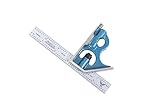
 Starrett Steel Combination Square with Square Head12"1 x 1.4 x 12.3 inches1.22 PoundsCheck on Amazon


What each tool actually does
A bevel box, also called a digital angle finder or digital bevel gauge, measures the angle between its base and the surface beneath it. Set it on a reference surface, zero the display, then place it on the saw table, blade, fence, or workpiece. The displayed number tells you the difference between those two surfaces.
This makes a bevel box useful for setting a table-saw blade to 45 degrees, checking a miter-saw bevel, or measuring an existing angle when there is no convenient straight edge. Most digital units read to 0.1 degree, though that resolution is not the same as guaranteed accuracy. A typical inexpensive unit may be accurate within roughly 0.2 to 0.5 degree, depending on calibration, surface condition, and battery health.
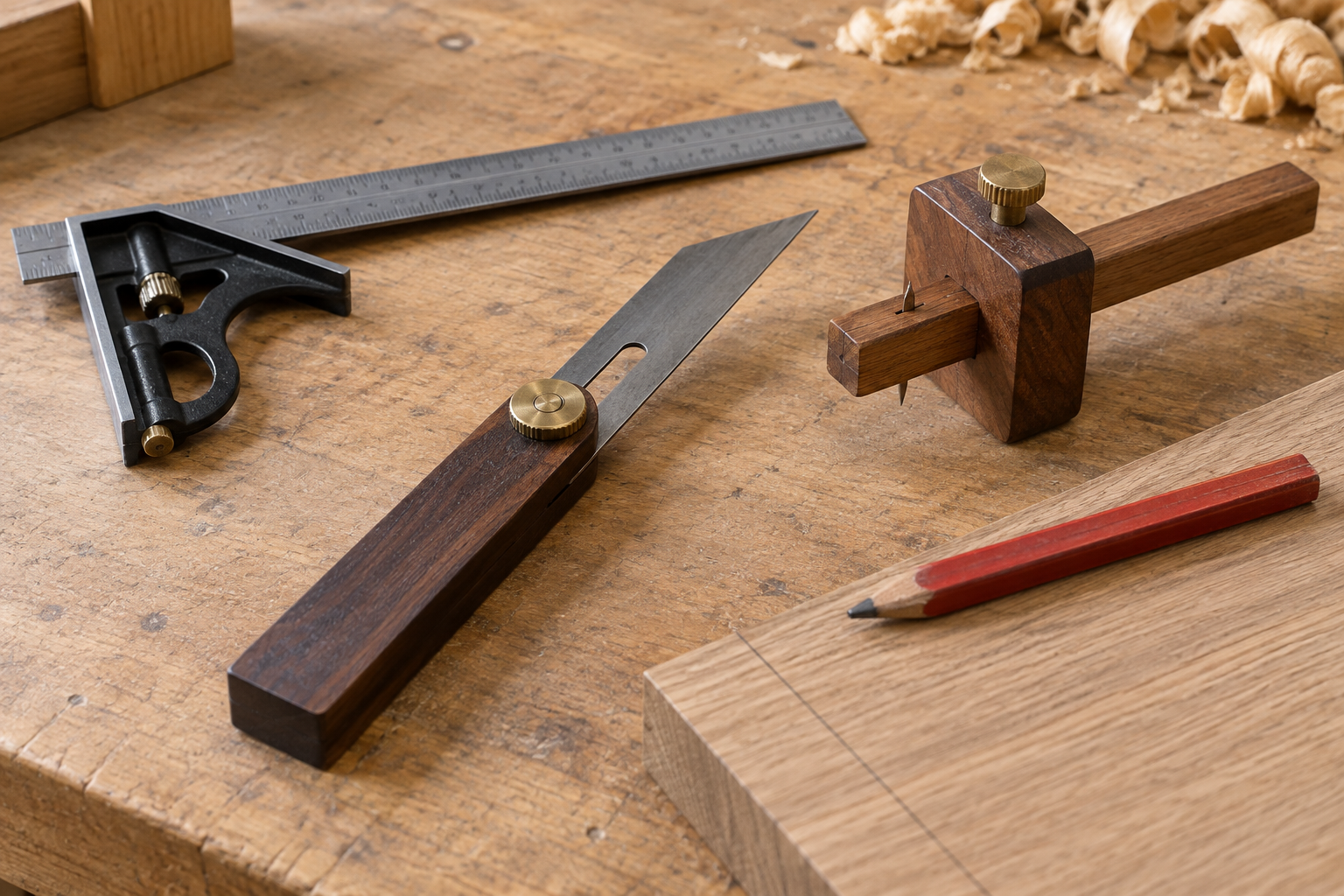
A combination square has a rigid rule and a sliding head. The head usually provides a 90-degree face, a 45-degree face, a level, and a scriber. It does not directly tell you “37 degrees.” Instead, it checks whether an edge, cut, or layout line matches a known relationship. The 45-degree face is particularly useful for quick checks on miters and bevels.
For a general-purpose shop tool, a 12-inch combination square is usually the better first purchase. For direct angle measurements and machine setup, a digital bevel box is faster.
Which one gives more repeatable checks?
Repeatability depends on what you are checking. A bevel box gives repeatable numerical readings when its reference surface stays consistent. If you zero it on the table saw and then place it on the blade, you can adjust the blade until the display reaches the target. This works well for 10, 15, 22.5, and 45 degrees, including angles that are awkward to lay out with a square.
Its weak point is placement. Moving the box a few inches can change the reading if the blade has resin, dust, burrs, or a slight hollow. A narrow blade tooth or uneven workpiece can also tilt the unit. If the magnetic base grabs the blade, it may pull the box out of position or make it difficult to slide it without disturbing the reading.
A combination square is more repeatable for checking an edge against a reference. Lock the head firmly, hold the square against the board or fence, and inspect the gap. A quality square will show a consistent result along the length of the part. It is also easier to use repeatedly because the setting is physical rather than dependent on a display and a zero operation.
There is an important limitation: a combination square only gives reliable angle checks when its rule and head are accurate. A cheap square with a loose head can be off by more than a degree. To test one, draw a line against the 90-degree face, flip the square over, and draw a second line from the same starting point. If the lines diverge, the square is not true. The same test works for the 45-degree face using a centerline and a flipped check.
Bevel box versus combination square
| Feature | Bevel box | Combination square |
|---|---|---|
| Best use | Setting and measuring machine or workpiece angles | Checking 90-degree, 45-degree, depth, and layout relationships |
| Angle range | Usually 0–180 degrees | Fixed reference faces plus adjustable layout positions |
| Repeatability | Good when zeroed and placed consistently | Very good for edge and gap checks with a true head |
| Precision shown | Often 0.1-degree display resolution | Visual or layout-based; depends on rule and head accuracy |
| Power required | Battery | None |
| Common failure | Bad zero, dirty surface, weak battery, tilted placement | Loose head, bent rule, inaccurate casting, unreadable markings |
| Typical cost trade-off | More capability for nonstandard angles | Cheaper and more useful for everyday layout |
When the bevel box is the better choice
Choose a bevel box if you regularly set tools to angles other than 90 and 45 degrees. It is especially useful for table saws, band saws, drill-press tables, jointer beds, and miter-saw bevel settings. It also helps diagnose a machine: zero the box on a known-flat table, then check whether the blade or fence actually reaches its advertised stop.
Look for a readable display, a strong magnetic base if you work on steel machinery, a hold button, and a calibration procedure. A 0.1-degree display is useful for adjustment, but do not treat it as laboratory accuracy. For woodworking, a setting within 0.2 degree is generally more meaningful than chasing the last displayed digit.
Keep the reference surface clean and use the same placement direction each time. On a saw blade, check against the blade body rather than the carbide teeth. Make at least two readings at different points. If they disagree, the problem is usually surface contamination, blade runout, or inconsistent contact—not the angle itself.
When the combination square is the better choice
Buy a combination square first if your work includes marking, checking board ends, setting joinery, finding centers, or verifying that a fence is square. It needs no battery, fits in a tool bag, and can check a cut immediately without changing modes or finding a reference surface.
A 6-inch square is convenient for small parts, but a 12-inch version reaches across wider stock and is easier to use against a table-saw blade or fence. The head should lock without shifting, the rule should be straight, and the markings should be engraved or sharply etched rather than lightly printed. A hardened rule and a head with minimal play are worth paying for.
For inexpensive squares, test accuracy before trusting them. Set the head, mark a line, flip the square, and compare. Also check the 45-degree face. If the error is visible over 6 or 12 inches, it will compound in cabinet work and wide miters.
The practical buying decision
If you can buy only one, choose the combination square for general workshop work and the bevel box for machine setup or frequent odd-angle work. The cheaper combination square is fine when its head locks tightly and it passes the flip tests. Spending more does not automatically make a square accurate, but poor casting and loose threads make a bargain tool frustrating.
If your shop already has a reliable square, add the bevel box when angle setting is slowing you down. Used together, they are stronger than either alone: use the bevel box to set the machine numerically, then use the combination square to check the resulting edge, fence, or workpiece for a consistent physical relationship.