What's inside
As an Amazon Associate I earn from qualifying purchases. This post may contain affiliate links at no extra cost to you.
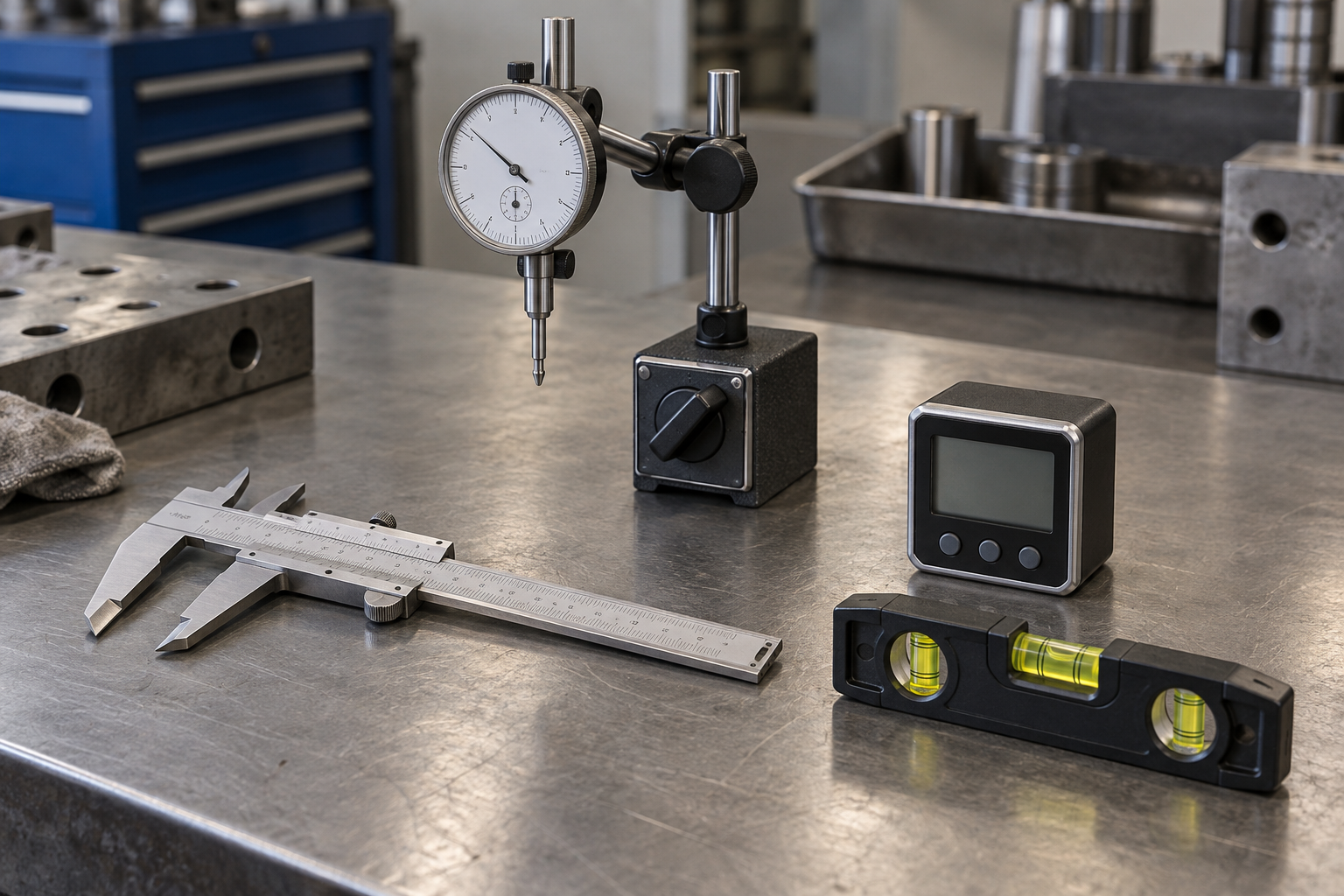
A dial indicator and a digital indicator can both reveal table saw runout, but neither gives a useful answer by itself. The reading depends on how the indicator is mounted, where its tip contacts the saw, and whether you repeat the measurement consistently. For most occasional checks, a basic dial indicator is enough. A digital indicator is easier to read and can make small changes more convenient to track, but it does not automatically make the setup more accurate.
As an Amazon Associate we earn from qualifying purchases at no extra cost to you.


Our Top Picks
What you are measuring
Runout is variation in a rotating part as it turns. On a table saw, you might check the arbor flange, a blade plate, or the blade’s position relative to the miter slot. Those are related checks, but they are not interchangeable. A blade can show wobble because the blade is warped, dirty, or seated against debris even when the arbor itself is sound.
Before measuring, unplug the saw. Clean the arbor flange and the blade, then install the blade as you normally would. Mount the indicator to something rigid, such as a well-clamped bar or a purpose-made alignment jig. A flexible magnetic base attached to a thin or vibrating surface can produce readings that look like runout but are really movement in the setup.
Dial vs. digital at a glance
| Factor | Dial indicator | Digital indicator |
|---|---|---|
| Reading | Pointer and graduated face | Electronic display |
| Typical resolution | Often 0.001 inch; finer versions exist | Commonly 0.001 or 0.0005 inch; check the specification |
| Tracking a full rotation | Easy to watch the pointer sweep | Easy to note a displayed minimum and maximum |
| Power | None | Battery required |
| Common drawbacks | Parallax, hard-to-read graduations, pointer overshoot | Battery failure, display lag, accidental zeroing or unit changes |
| Best fit | Routine checks and a simple, durable setup | Users who prefer a direct readout or record small changes |
How to measure without fooling yourself
To check blade runout, position the contact tip against a clean, flat area near the blade’s rim, avoiding the teeth. Set the tip square to the surface as closely as the setup allows, and give the plunger enough preload to stay in contact through a full turn. Rotate the blade by hand, slowly, through 360 degrees. Record the highest and lowest readings; their difference is total indicated runout (TIR).
For a flange check, remove the blade and contact the flange face or rim as appropriate to the question. Keep your measurement location consistent. A reading taken near the arbor and one taken at the blade edge can differ because small angular errors are magnified farther from the center. Do not push sideways on the blade while turning it: that can introduce arbor or bearing movement into the result.
Repeat the measurement at least twice. If the high point moves or the numbers change substantially, inspect the mount, clean the contact surfaces, reseat the blade, and try again. A few thousandths of an inch can be meaningful in a precision setup, but a fluctuating reading of that size may simply reflect a loose fixture or a tip contacting a tooth, paint, or debris.
Which one should you buy?
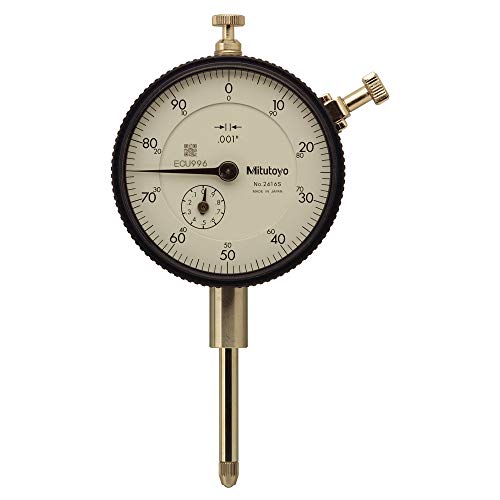
Choose a dial indicator if you want a straightforward tool for occasional machine setup. It needs no battery, its pointer makes a changing reading easy to follow, and a common 0.001-inch graduation is sufficient for many table saw checks. A dial face can be harder to read at an awkward angle, though, and a pointer moving between marks takes practice to interpret consistently.
Choose a digital indicator if you find analog scales difficult to read, want to switch between inch and metric units, or need to note maximum and minimum readings. Digital models vary: display resolution is not the same as accuracy, and a screen showing 0.0005 inch does not guarantee that the instrument measures accurately to that amount. Check the maker’s accuracy and repeatability specifications, not just the number of digits.
For either type, the mount and contact tip matter at least as much as the display. If you do not already have a stable fixture, budget for one. A dial indicator with a magnetic base is a common low-cost starting point, though a magnetic base is only useful where it can attach firmly to a suitable steel surface. A digital indicator with a magnetic base offers the same basic approach with a screen; compare the included base and adjustment joints before choosing on readout alone.
Common mistakes and failure modes
Do not treat blade runout as a diagnosis of the saw’s arbor. First clean and reseat the blade, then rotate it on the arbor and repeat the reading. If the high spot changes after reseating, the original result may have come from dirt or imperfect seating. If the blade continues to show runout, try a known-flat blade before concluding that the arbor is bent.
Also watch for a wandering mount, a loose indicator clamp, or a contact tip that slides across a rough surface. These can produce erratic peaks. On a digital unit, a weak battery may cause a blank or unstable display; on a dial unit, a sticky pointer may fail to return smoothly. Check that the plunger moves freely and returns to zero before trusting the measurement.
Finally, do not chase a tiny reading at the expense of a sound setup. If your result varies by 0.002 inch between repeated passes, reporting a single 0.001-inch figure is false precision. Improve the fixture and repeat the test before making adjustments to the saw.
The practical choice
For checking table saw runout, a dial indicator is usually the better value if you are comfortable reading its face and already have a rigid way to mount it. A digital indicator is worth the extra cost when its display makes readings easier for you or when you regularly record small changes. In both cases, repeatable technique beats extra digits: clean parts, a rigid mount, steady contact, and repeated measurements are what make the result useful.