What's inside
As an Amazon Associate I earn from qualifying purchases. This post may contain affiliate links at no extra cost to you.
How to Choose Impact Driver Speed Settings for Cabinet Hardware
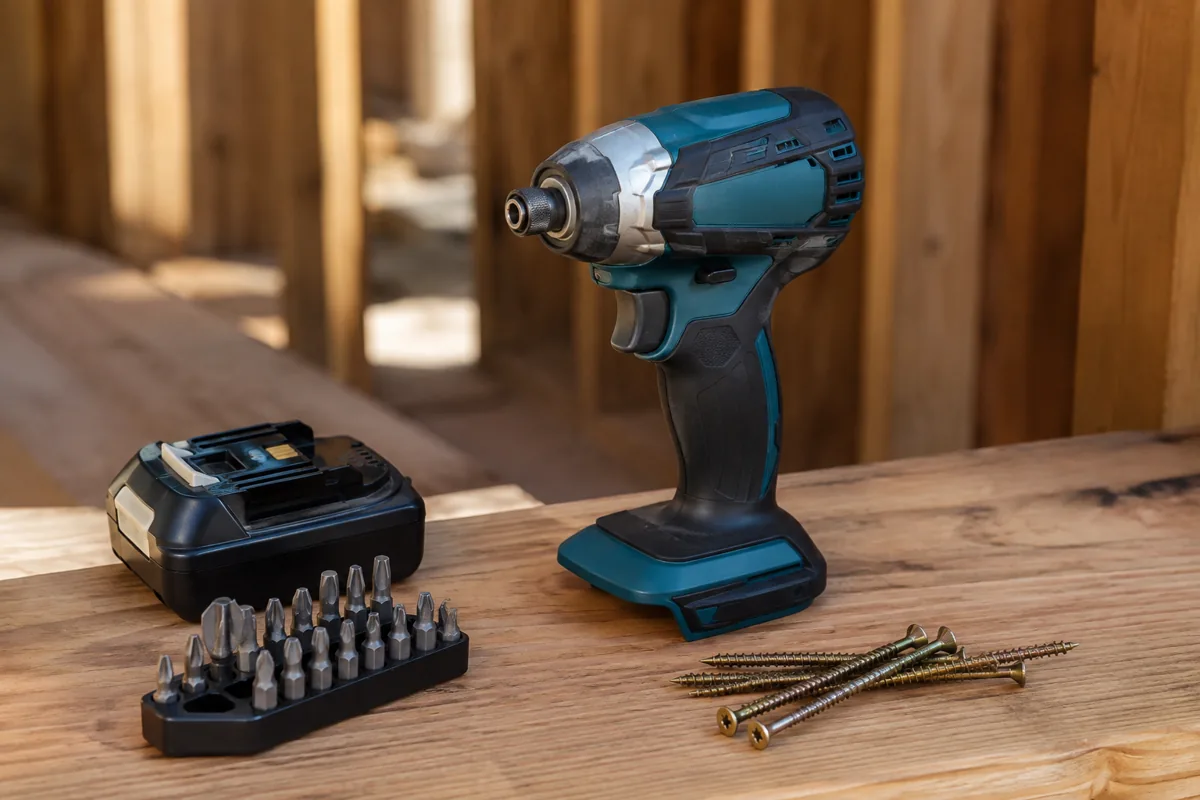
Cabinet hardware is a poor place to use an impact driver at full speed. The fast motor and hammer mechanism can drive a screw in seconds, but it can also strip a screw head, crush a cabinet face, or pull a small knob screw through thin material. The right setting depends on the screw size, the hardware, and whether you are driving into a pilot hole or cabinet material.
For most knobs, pulls, hinges, and drawer slides, start with the lowest speed setting and increase only when the screw is not advancing efficiently. You want the screw seated firmly, not buried as deeply as possible.
What the Speed Settings Actually Change
Most impact drivers have two or three electronic speed ranges. The range changes motor speed and usually limits available impact frequency. It does not turn the tool into a precision torque screwdriver. Even on low, an impact driver can deliver considerably more force than a cabinet screw needs.
| Typical setting | Best use in cabinet work | Main risk |
|---|---|---|
| Low, often 0–1,000 RPM | Starting screws, small knobs, delicate hinges, final seating | Slow progress if the screw is long or the pilot hole is tight |
| Medium, often 0–2,000 RPM | Most pulls, drawer slides, and repeated hardware installation | Overdriving when the trigger is held fully open |
| High, often 0–3,000+ RPM | Long screws into solid wood or removing stubborn fasteners | Stripped heads, damaged finishes, and pulled-through screws |
These figures vary by tool. Check the manufacturer’s specifications, but treat the published RPM as a ceiling rather than a target. Trigger control matters as much as the selector.
Recommended Settings by Hardware Type
Cabinet knobs: Use low speed. Knob screws are commonly small, often around 8-32 or metric equivalents, and the knob itself hides little damage if it is pulled too tight. Start the screw by hand or with a bit in the driver, then stop as soon as the knob is snug. If the knob rotates after installation, hold it in position and give the screw only a short additional pulse.
Drawer pulls: Medium speed is generally practical, especially when installing many pulls. For screws around 1 inch long in a predrilled drawer front, use a low trigger speed and stop when the pull no longer moves. Long screws can bottom out inside a drawer front or force the pull crooked. A hand screwdriver is the safer choice for the final tightening pass.
Hinges: Use low speed for the small hinge screws that enter the cabinet side or face frame. Hinge cups and mounting plates need to sit flat, but more force will not correct a misaligned hinge. If a screw spins without tightening, stop using the impact driver. The hole may be stripped, or the screw may have missed the solid portion of the frame.
Drawer slides: Medium speed works for repeated installation, but use low speed near the end of travel. Slide screws are often short, and overdriving can distort the slide or prevent the drawer from running smoothly. Keep the bit square to the screw head; a tilted driver damages the head faster than a moderate speed does.
For installing a large quantity of hardware, a 12V cordless screwdriver with a clutch is often a better purchase than an impact driver. A clutch gives a repeatable stopping point. The cheaper option is fine if you are installing only a few knobs and already own a drill or driver.
When to Use a Drill Driver Instead
A drill driver is usually easier to control for cabinet hardware because its clutch can slip at a selected torque. Set it low, test on scrap wood, and increase the setting until the screw seats without spinning freely. This is particularly useful for soft pine, MDF, particleboard, and painted cabinet doors, where a screw can pull through with surprisingly little force.
Choose an impact driver when you need its compact size, when screws are unusually long, or when you are removing old fasteners that are stuck. It is also useful for repeated work if you have enough trigger control. For routine hardware installation, however, the impact mechanism offers little benefit and adds a greater chance of damage.
Bits and Fastener Preparation
Use a fresh, correctly sized bit. A worn Phillips bit or the wrong Pozidriv bit can cam out even at low speed. For cabinet hardware, a magnetic bit holder can help, but it does not compensate for poor alignment. Keep the driver directly in line with the screw and apply firm forward pressure.
Predrill whenever the manufacturer recommends it or whenever the screw enters solid wood near an edge. A pilot hole should be slightly smaller than the screw’s solid core, not the outside diameter of the threads. For a typical small cabinet screw, a pilot hole around 1/16 to 3/32 inch may be appropriate, but verify against the screw and wood. In MDF or particleboard, avoid repeatedly removing and reinstalling screws; the material loses holding power quickly.
For through-bolts used with knobs and pulls, check the screw length before driving. A screw that is too long can hit the inside of a drawer, while a screw that is too short may engage only a few threads. Cut-to-length hardware screws are often better than forcing a supplied screw into an unsuitable application.
A Safe Installation Procedure
First, mark and drill the hardware holes with a template. Clamp or support the back of a door or drawer front to reduce breakout. Install the bit, select low speed, and start the screw slowly. Once the threads engage, release the trigger and inspect the hardware. It should sit flat without crushing the finish or bowing the pull.
If the screw is still loose, use another short pulse rather than switching immediately to high speed. If it continues spinning, stop and diagnose the hole. A longer screw, a larger fastener, or a repair insert may be needed; more impact force will not restore stripped material.
For a professional-looking result, do the final quarter-turn by hand. A ratcheting multi-bit screwdriver gives better feel than any impact setting. Keep a quality impact-rated bit set nearby for installation and a hand screwdriver for finishing. That combination costs less than replacing a damaged cabinet door or drawer front.